FoscMarkup
Returns a FoscMarkup.
Description
LilyPond markup.
!!!TODO: write a parser - see abjad source
Attributes Summary
| ++ |
(abjad: add) |
| copy |
Copies markup. |
| == |
(abjad: eq) |
| asCompileString |
!!!TODO:INCOMPLETE |
| format |
Formats markup. |
| illustrate |
Illustrates markup. |
| < |
Is true when markup contents compare less than argument contents. |
| str |
(abjad: str) |
| bold |
LilyPond \bold markup command. |
| box |
LilyPond \box markup command. |
| bracket |
LilyPond \bracket markup command. |
| caps |
LilyPond \caps markup command. |
| centerAlign |
LilyPond \center-align markup command. |
| circle |
LilyPond \circle markup command. |
| dynamic |
LilyPond \dynamic markup command. |
| finger |
LilyPond \finger markup command. |
| fontSize |
LilyPond \fontsize markup command. |
| generalAlign |
LilyPond \general-align markup command. |
| halign |
LilyPond halign markup command. |
| hcenterIn |
LilyPond \hcenter-in markup command. |
| huge |
LilyPond \huge markup command. |
| italic |
LilyPond \italic markup command. |
| larger |
LilyPond \larger markup command. |
| override |
LilyPond \override markup command. |
| padAround |
LilyPond \pad-around markup command. |
| padMarkup |
LilyPond \pad-markup markup command. |
| padToBox |
LilyPond pad-to-box markup command. |
| parenthesize |
LilyPond \parenthesize markup command. |
| raise |
LilyPond \raise markup command. |
| rotate |
LilyPond \rotate markup command. |
| sans |
LilyPond \sans markup command. |
| scale |
LilyPond \scale markup command. |
| small |
LilyPond \small markup command. |
| smaller |
LilyPond \smaller markup command. |
| sub |
LilyPond \sub markup command. |
| super |
LilyPond \super markup command. |
| tiny |
LilyPond \tiny markup command. |
| translate |
LilyPond translate markup command. |
| upright |
LilyPond \upright markup command. |
| vcenter |
LilyPond \vcenter markup command. |
| whiteout |
LilyPond \whiteout markup command. |
| withColor |
LilyPond \with-color markup command. |
| withDimensions |
|
Usage
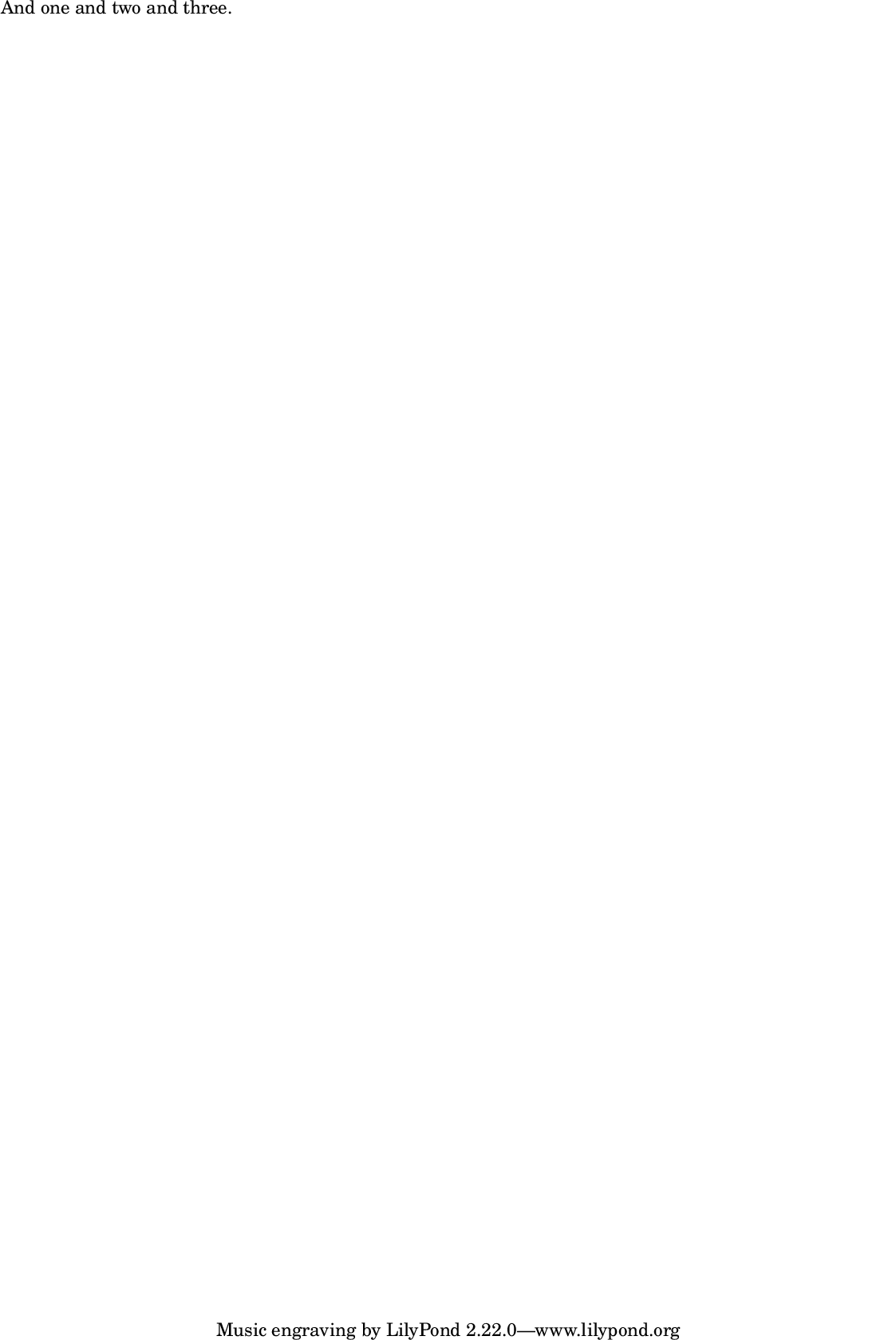
Initialize from string.
m = FoscMarkup("And one and two and three.");
m.format;
m.show;
Initialize from array.
m = FoscMarkup(["\\italic", "Allegro assai"]);
m.format;
\markup {
    \italic
    "Allegro assai"
}
Initialize from markup.
m = FoscMarkup("And one and two and three.");
m = FoscMarkup(m);
m.format;
\markup { "And one and two and three." }
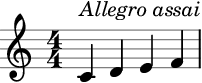
Attach markup to score components.
m = FoscMarkup(["\\italic", "Allegro assai"], 'up');
a = FoscStaff(FoscLeafMaker().(#[60,62,64,65], [1/4]));
a[0].attach(m);
a.show;
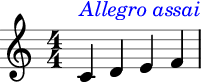
Markups can be tweaked.
m = FoscMarkup(["\\italic", "Allegro assai"], 'up');
tweak(m).color = 'blue';
a = FoscStaff(FoscLeafMaker().(#[60,62,64,65], [1/4]));
a[0].attach(m);
a.show;
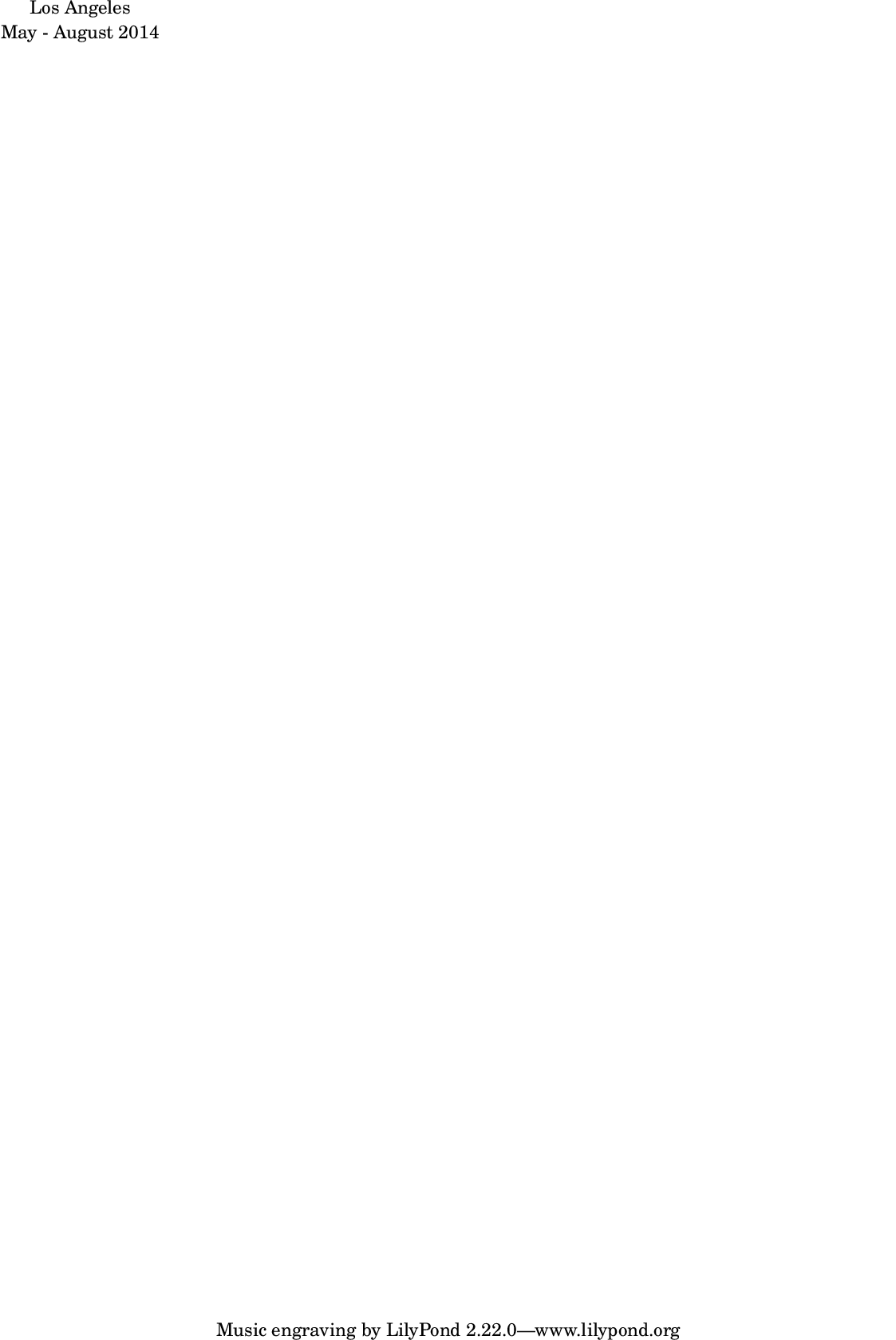
LilyPond \center-column markup command.
Returns new markup.
Example
a = FoscMarkup("Los Angeles");
b = FoscMarkup("May - August 2014");
m = FoscMarkup.centerColumn([a, b]);
m.show;
LilyPond \column markup command.
Returns new markup.
Example 1
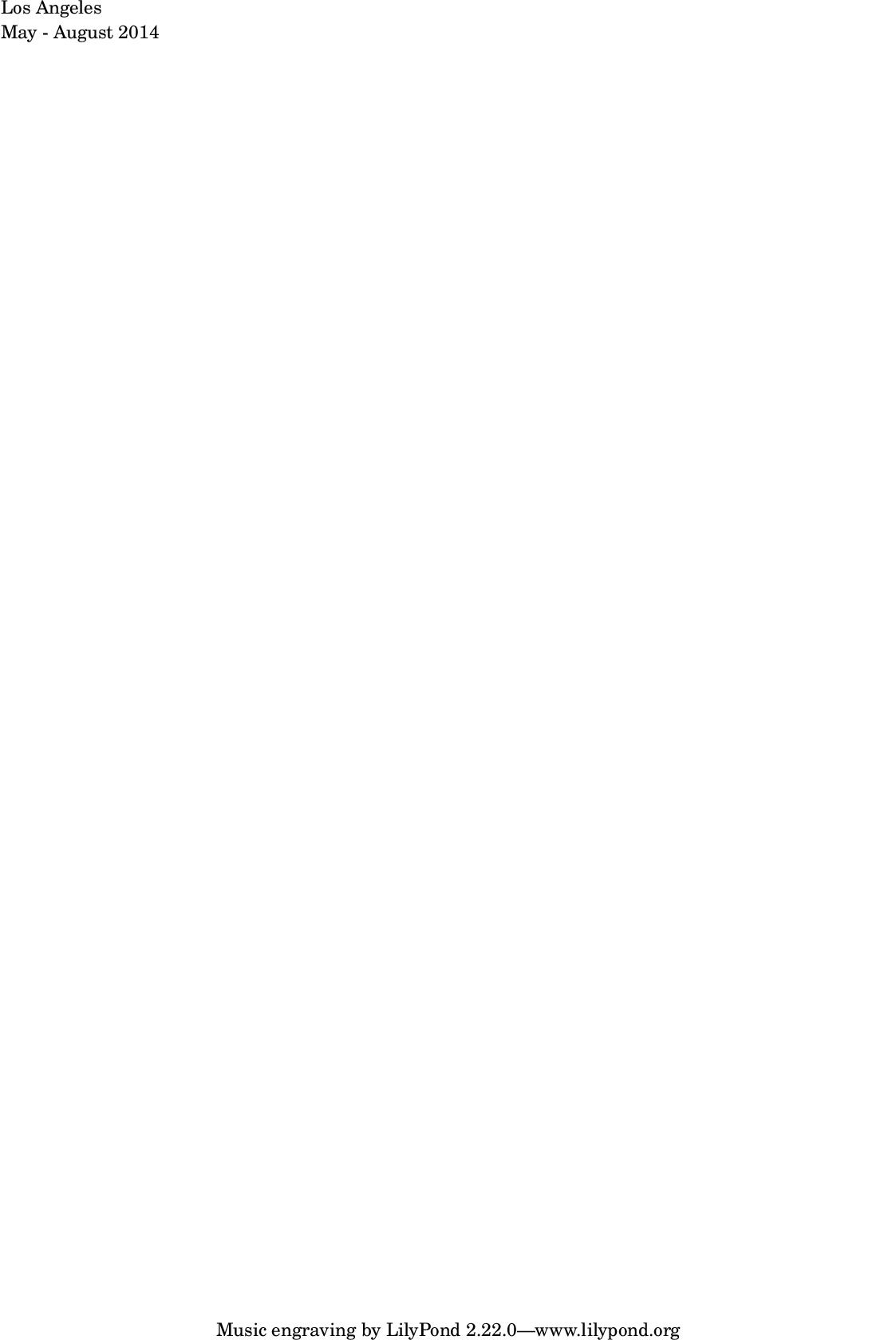
a = FoscMarkup("Los Angeles");
b = FoscMarkup("May - August 2014");
m = FoscMarkup.column([a, b]);
m.show;

LilyPond \combine markup command.
Returns new markup.
Example 1
code:: a = FoscMarkup(“Allegro assai”); b = FoscMarkup.drawLine(13, 0); m = FoscMarkup.combine([a, b]); m.show;
img:: 
• *combine
LilyPond \combine markup command.
Returns new markup.
Example 1
a = FoscMarkup("Allegro assai");
b = FoscMarkup.drawLine(13, 0);
m = FoscMarkup.combine([a, b]);
m.show;

!!!TODO
LilyPond \concat markup command.
Returns new markup.
Example 1
code:: a = FoscMarkup.musicGlyph(‘scripts.downbow’); b = FoscMarkup.hspace(1); c = FoscMarkup.musicGlyph(‘scripts.upbow’); m = FoscMarkup.concat([a, b, c]); m.show;
img:: 
• *concat !!!TODO
LilyPond \concat markup command.
Returns new markup.
Example 1
a = FoscMarkup.musicGlyph('scripts.downbow');
b = FoscMarkup.hspace(1);
c = FoscMarkup.musicGlyph('scripts.upbow');
m = FoscMarkup.concat([a, b, c]);
m.show;
LilyPond \draw-circle markup command.
Returns new markup
Example 1
code:: m = FoscMarkup.drawCircle(10, 1.5); m.show;
img:: 
• *drawCircle
LilyPond \draw-circle markup command.
Returns new markup
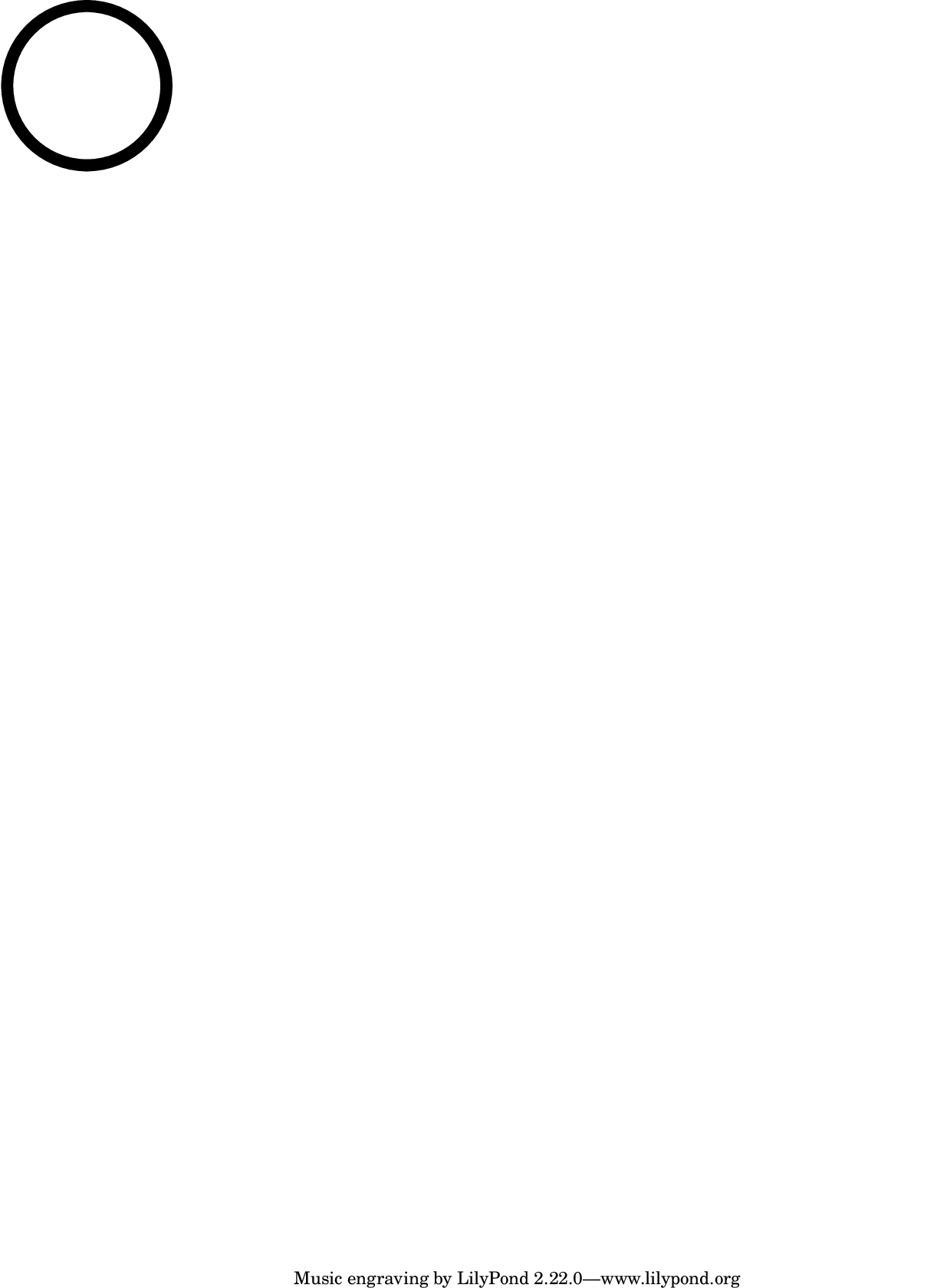
Example 1
m = FoscMarkup.drawCircle(10, 1.5);
m.show;
LilyPond \draw-line markup command.
Returns new markup
Example 1
code:: m = FoscMarkup.drawLine(5, -2.5); m.show;
img:: 
• *drawLine
LilyPond \draw-line markup command.
Returns new markup
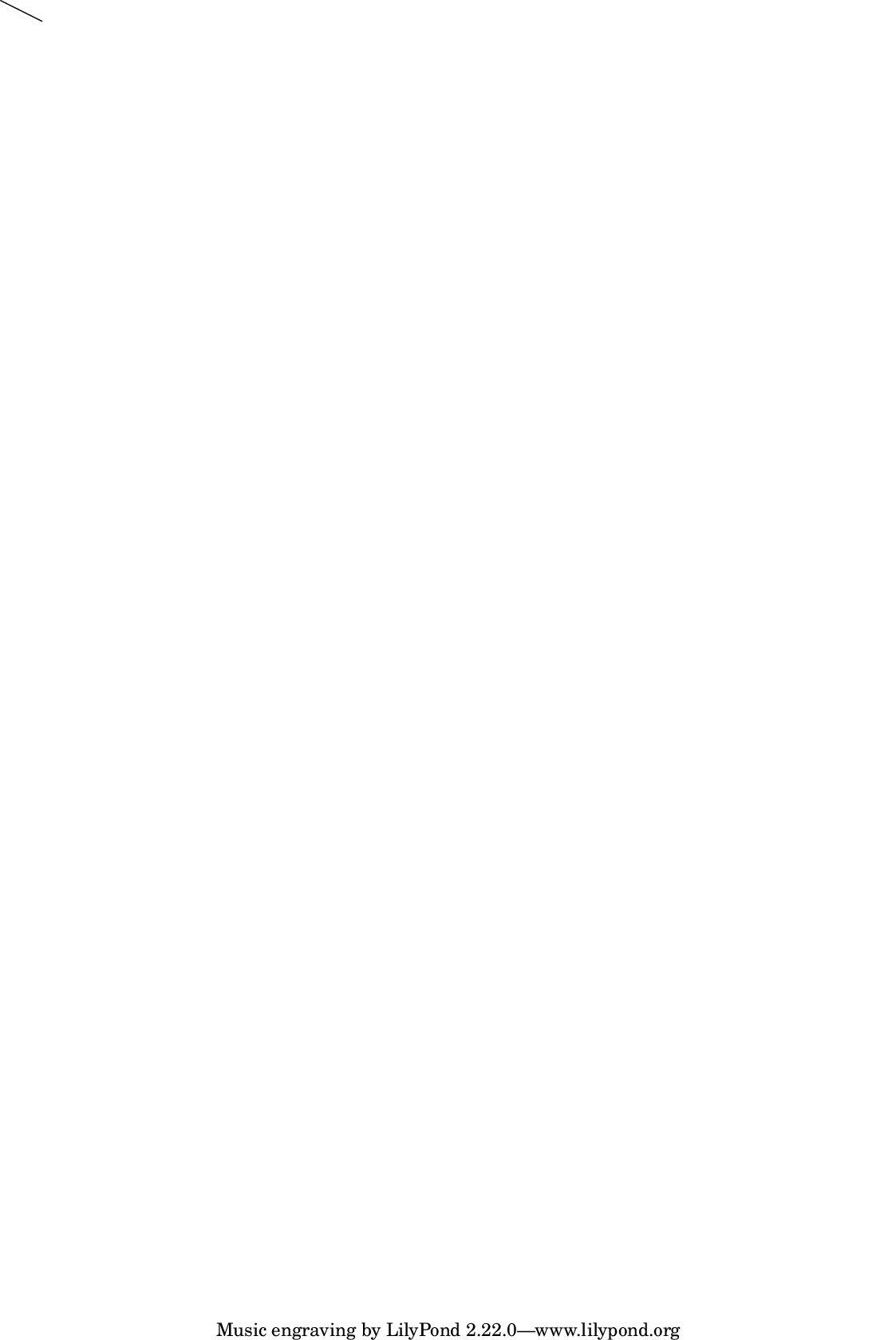
Example 1
m = FoscMarkup.drawLine(5, -2.5);
m.show;
LilyPond filled-box markup command.
Returns new markup.
Example 1
code:: m = FoscMarkup.filledBox(#[0,10], #[2,5], 1.5); m.show;
img:: 
• *filledBox
LilyPond filled-box markup command.
Returns new markup.
Example 1
m = FoscMarkup.filledBox(#[0,10], #[2,5], 1.5);
m.show;
LilyPond \flat markup command.
Returns new markup.
Example 1
code:: m = FoscMarkup.flat; m.show;
img:: 
• *flat
LilyPond \flat markup command.
Returns new markup.
Example 1
m = FoscMarkup.flat;
m.show;

!!!TODO: once parser is written
• *fromLiteral
!!!TODO: once parser is written
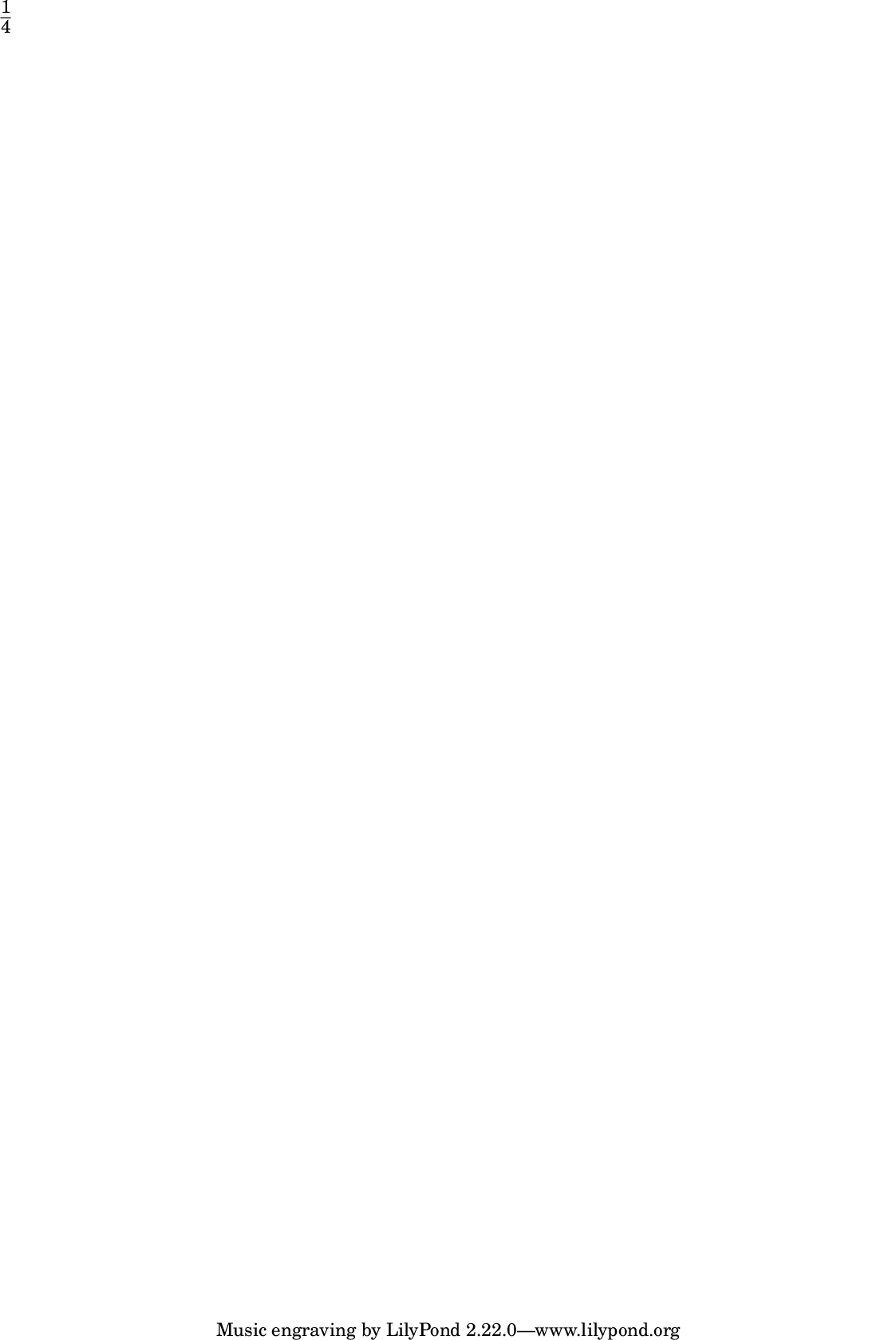
LilyPond \fraction markup command.
Returns new markup
Example 1
code:: m = FoscMarkup.fraction(1, 4); m.show;
img:: 
• *fraction
LilyPond \fraction markup command.
Returns new markup
Example 1
m = FoscMarkup.fraction(1, 4);
m.show;
p = “%/fosc/docs/img/markup-markup-16”.format(Platform.userExtensionDir);
m.writePNG(“%.ly”.format(p));
LilyPond \hspace markup command.
Returns new markup.
Example 1
code:: m = FoscMarkup.hspace(0.75); m.format;
• *hspace
LilyPond \hspace markup command.
Returns new markup.
Example 1
m = FoscMarkup.hspace(0.75);
m.format;
\markup {
    \hspace
        #0.75
}
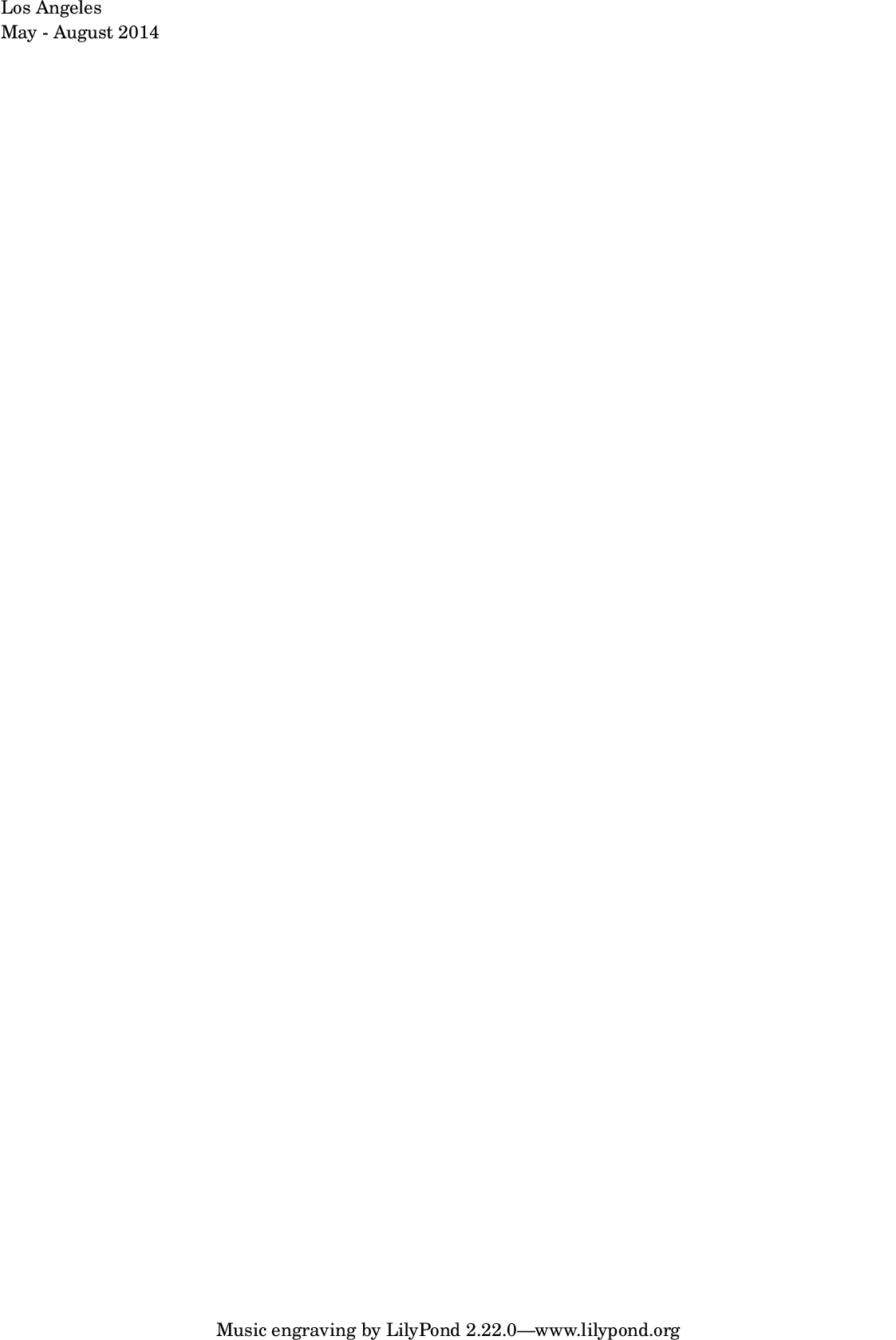
LilyPond \left-column markup command.
Returns new markup.
Example 1
code:: a = FoscMarkup(“Los Angeles”); b = FoscMarkup(“May - August 2014”); m = FoscMarkup.leftColumn([a, b]); m.show;
img:: 
• *leftColumn
LilyPond \left-column markup command.
Returns new markup.
Example 1
a = FoscMarkup("Los Angeles");
b = FoscMarkup("May - August 2014");
m = FoscMarkup.leftColumn([a, b]);
m.show;
LilyPond \line markup command.
Returns new markup.
Example 1
code:: m = FoscMarkup.line(#[“Allegro”, “assai”]); m.show;
img:: 
• *line
LilyPond \line markup command.
Returns new markup.
Example 1
m = FoscMarkup.line(#["Allegro", "assai"]);
m.show;

Makes improper fraction markup.
!!!TODO
• *makeImproperFractionMarkup
Makes improper fraction markup.
!!!TODO
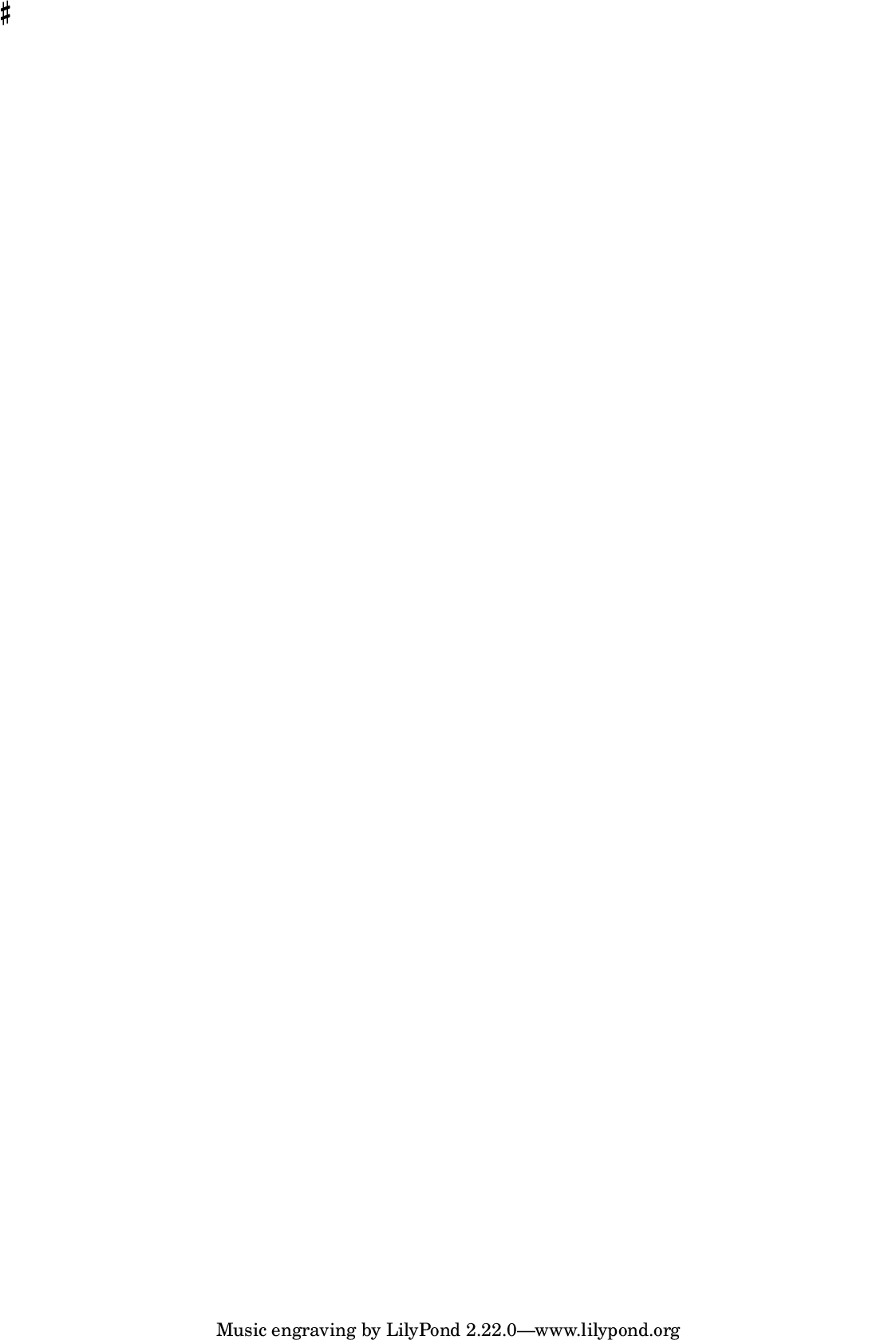
LilyPond \musicglyph markup command.
Returns new markup.
!!!TODO: update call to LilypondMusicGlyphs when files in ly folder have been updated
Example 1
code:: m = FoscMarkup.musicGlyph(“accidentals.sharp”); m.show;
img:: 
• *musicGlyph
LilyPond \musicglyph markup command.
Returns new markup.
!!!TODO: update call to LilypondMusicGlyphs when files in ly folder have been updated
Example 1
m = FoscMarkup.musicGlyph("accidentals.sharp");
m.show;
LilyPond \natural markup command.
Returns new markup.
Example 1
code:: m = FoscMarkup.natural; m.show;
img:: 
• *natural
LilyPond \natural markup command.
Returns new markup.
Example 1
m = FoscMarkup.natural;
m.show;

LilyPond \note-by-number markup command.
Returns new markup.
Example 1
code:: m = FoscMarkup.noteByNumber(log: 3, dotCount: 2, stemDirection: 1); m.show;
img:: 
• *noteByNumber
LilyPond \note-by-number markup command.
Returns new markup.
Example 1
m = FoscMarkup.noteByNumber(log: 3, dotCount: 2, stemDirection: 1);
m.show;

LilyPond \null markup command.
Returns new markup.
Example 1
code:: m = FoscMarkup.null; m.format;
• *null
LilyPond \null markup command.
Returns new markup.
Example 1
m = FoscMarkup.null;
m.format;
!!!TODO: broken here and in abjad. Has been deprecated from lilypond?
LilyPond \overlay markup command.
Returns new markup.
Example 1
code:: a = FoscMarkup(“Los Angeles”); b = FoscMarkup(“May - August 2014”); m = FoscMarkup.overlay([a, b]); m.show;
img:: 
• *overlay
!!!TODO: broken here and in abjad. Has been deprecated from lilypond?
LilyPond \overlay markup command.
Returns new markup.
Example 1
a = FoscMarkup("Los Angeles");
b = FoscMarkup("May - August 2014");
m = FoscMarkup.overlay([a, b]);
m.show;
LilyPond \postscript markup command.
Returns new markup.
Example 1
code:: p = FoscPostscript(); p.moveto(1.0, 1.0); p.setlinewidth(2.5); p.lineto(3, -4); p.stroke; m = FoscMarkup.postscript(p); m.format; m.show;
img:: 
• *postscript
LilyPond \postscript markup command.
Returns new markup.
Example 1
p = FoscPostscript();
p.moveto(1.0, 1.0);
p.setlinewidth(2.5);
p.lineto(3, -4);
p.stroke;
m = FoscMarkup.postscript(p);
m.format;
m.show;

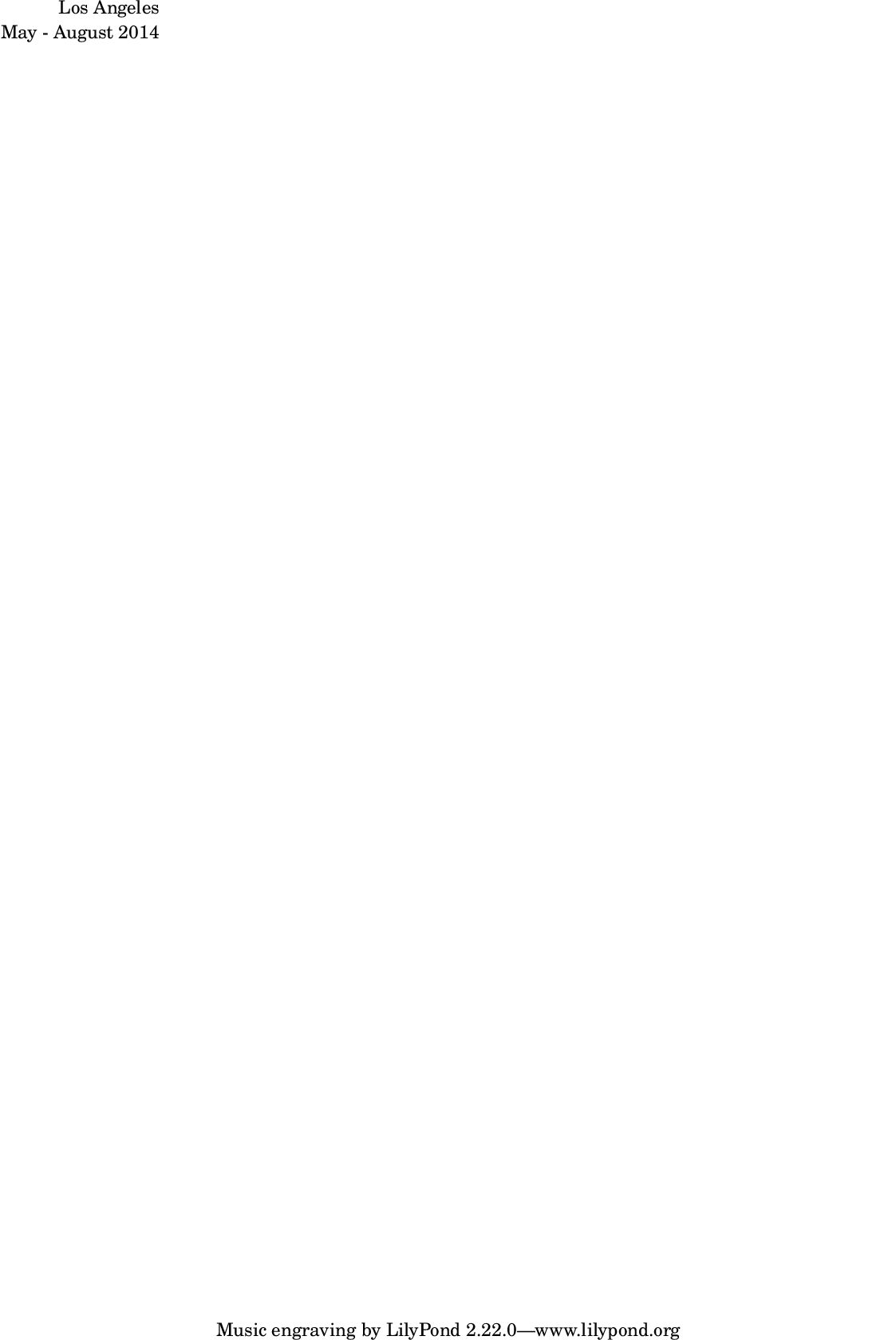
LilyPond \right-column markup command.
Returns new markup.
Example 1
code:: a = FoscMarkup(“Los Angeles”); b = FoscMarkup(“May - August 2014”); m = FoscMarkup.rightColumn([a, b]); m.show;
img:: 
• *rightColumn
LilyPond \right-column markup command.
Returns new markup.
Example 1
a = FoscMarkup("Los Angeles");
b = FoscMarkup("May - August 2014");
m = FoscMarkup.rightColumn([a, b]);
m.show;
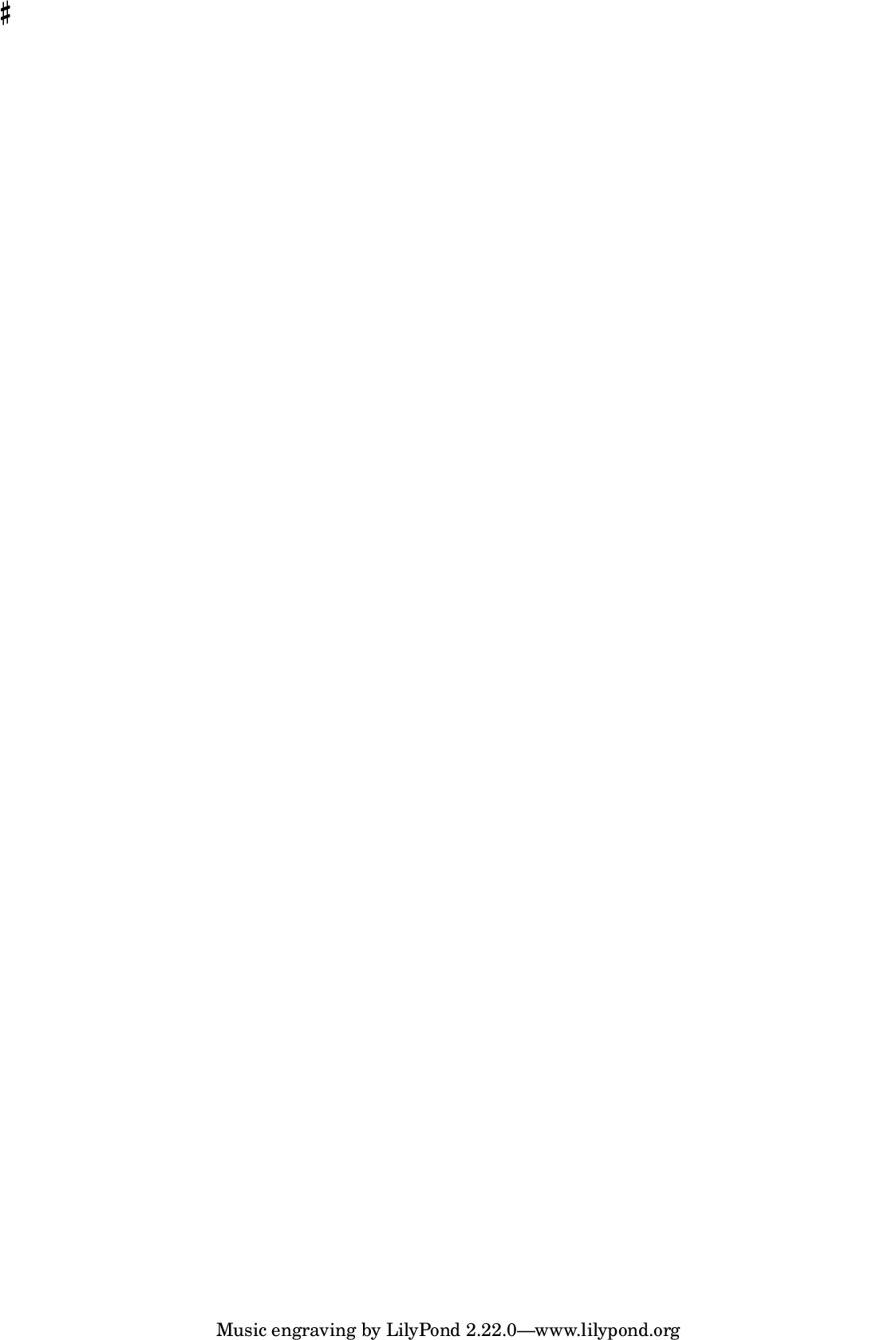
LilyPond \sharp markup command.
Returns new markup.
Example 1
code:: m = FoscMarkup.sharp; m.show;
img:: 
• *sharp
LilyPond \sharp markup command.
Returns new markup.
Example 1
m = FoscMarkup.sharp;
m.show;
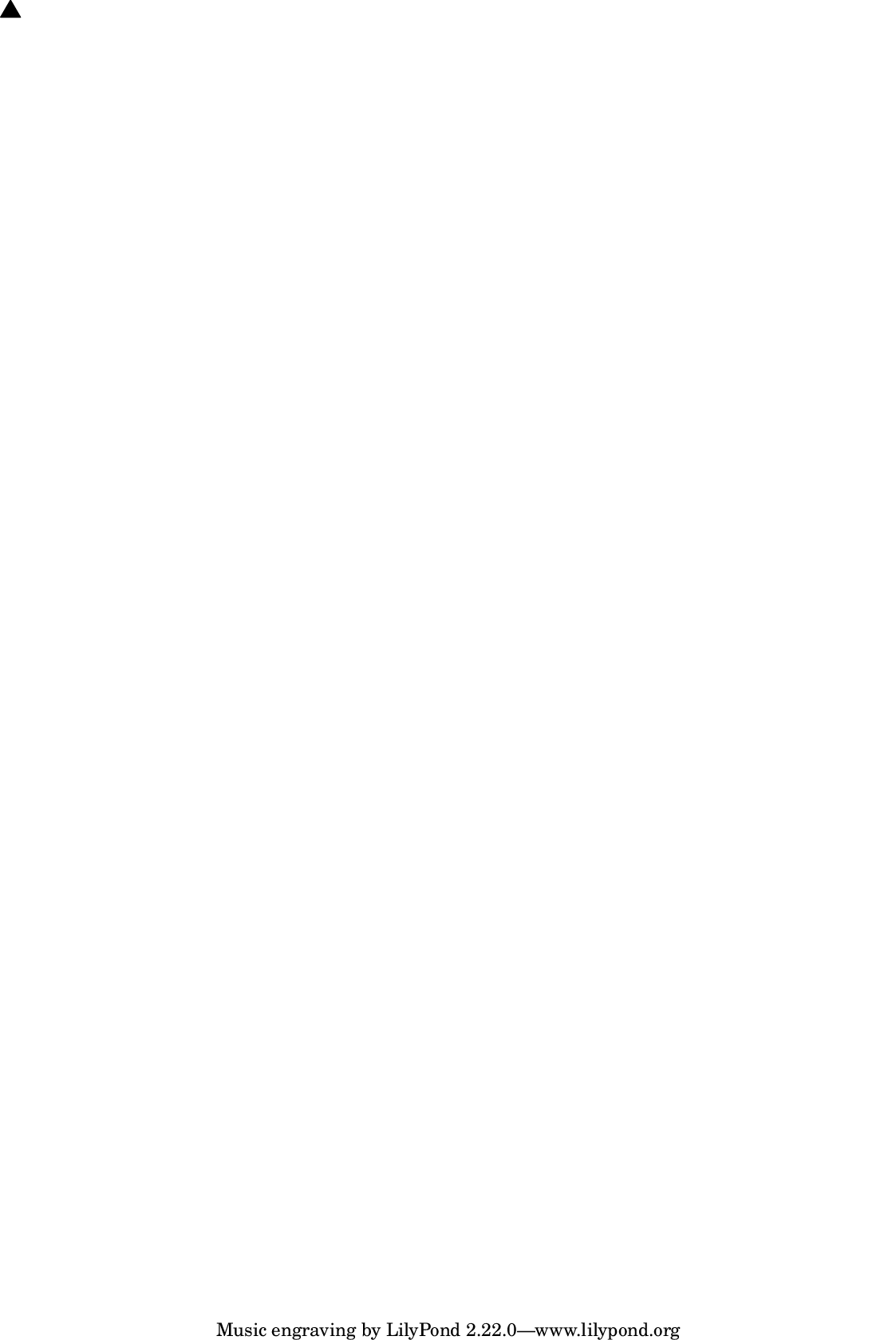
LilyPond \triangle markup command.
Returns new markup.
Example 1
code:: m = FoscMarkup.triangle(isFilled: true); m.show;
img:: 
• *triangle
LilyPond \triangle markup command.
Returns new markup.
Example 1
m = FoscMarkup.triangle(isFilled: true);
m.show;
LilyPond \vspace markup command.
Returns new markup.
Example 1
code:: m = FoscMarkup.vspace(0.75); m.format;
• *vspace
LilyPond \vspace markup command.
Returns new markup.
Example 1
m = FoscMarkup.vspace(0.75);
m.format;
\markup {
    \vspace
        #0.75
}
Gets contents of markup.
Returns array.
Example
m = FoscMarkup("Allegro");
m.contents;
[ "Allegro" ]
Gets direction of markup.
Defaults to none.
Set to up, down, center or none.
Returns up, down, center or none.
Example
m = FoscMarkup("Allegro", direction:'-');
m.direction;
m.format;
!!!TODO: when parser is written
Is true when markup formats contents literally.
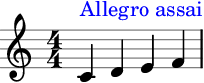
Gets tweaks.
Example
m = FoscMarkup("Allegro assai", 'up');
tweak(m).color = 'blue';
a = FoscStaff(FoscLeafMaker().(#[60,62,64,65], [1/4]));
a[0].attach(m);
a.show;
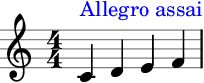
Example
m = FoscMarkup("Allegro assai", 'up', tweaks: #[['color', 'blue']]);
a = FoscStaff(FoscLeafMaker().(#[60,62,64,65], [1/4]));
a[0].attach(m);
a.show;
(abjad: add)
Adds markup to argument.
Copies markup.
(abjad: eq)
Is true markup equals argument.
!!!TODO:INCOMPLETE
Formats markup.
Returns string.
Illustrates markup.
Returns LilyPond file.
Example
m = FoscMarkup("foo");
m.illustrate;
m.show;
Is true when markup contents compare less than argument contents.
Raises type error when argument is not markup.
(abjad: str)
Gets string representation of markup.
Returns string.
Example
FoscMarkup("Allegro assai").str;
\markup { "Allegro assai" }
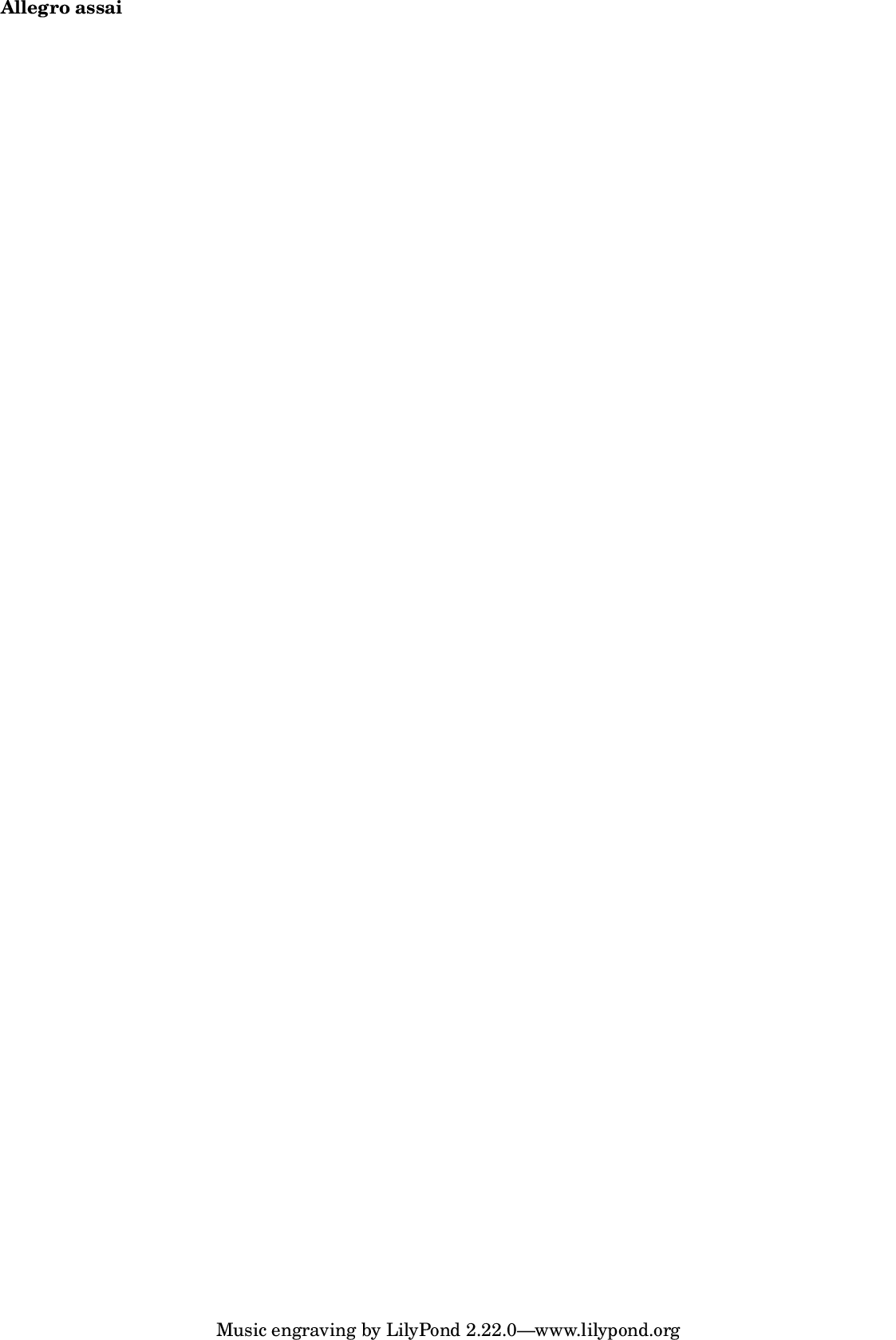
LilyPond \bold markup command.
Returns new markup.
Example
m = bold(FoscMarkup("Allegro assai"));
m.show;
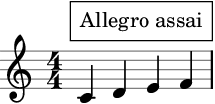
LilyPond \box markup command.
Returns new markup.
Example
m = box(FoscMarkup("Allegro assai", direction: 'up'));
m = override(m, #['box-padding', 1]);
a = FoscStaff(FoscLeafMaker().(#[60,62,64,65], [1/4]));
a[0].attach(m);
a.show;
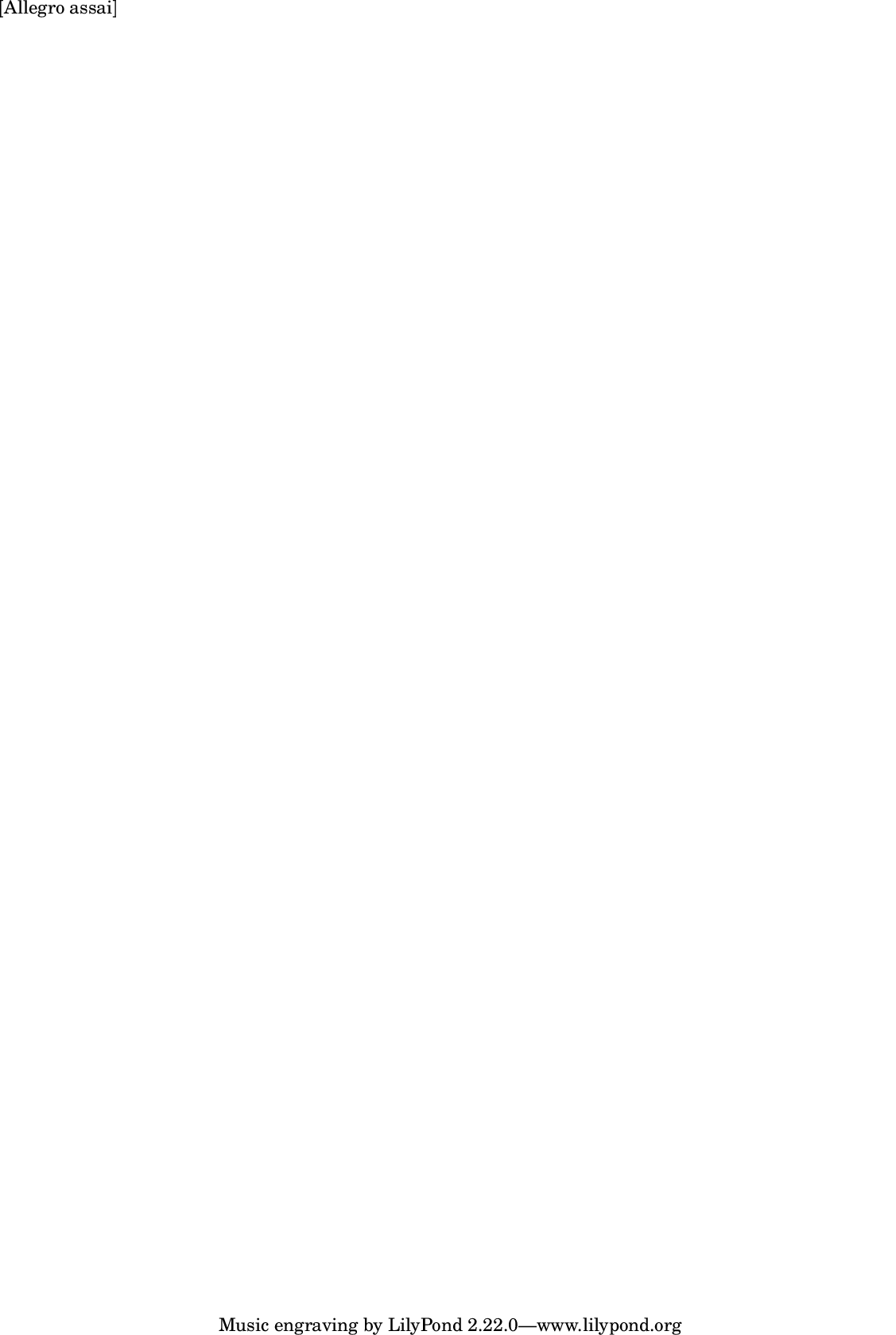
LilyPond \bracket markup command.
Returns new markup.
Example
m = bracket(FoscMarkup("Allegro assai"));
m.show;
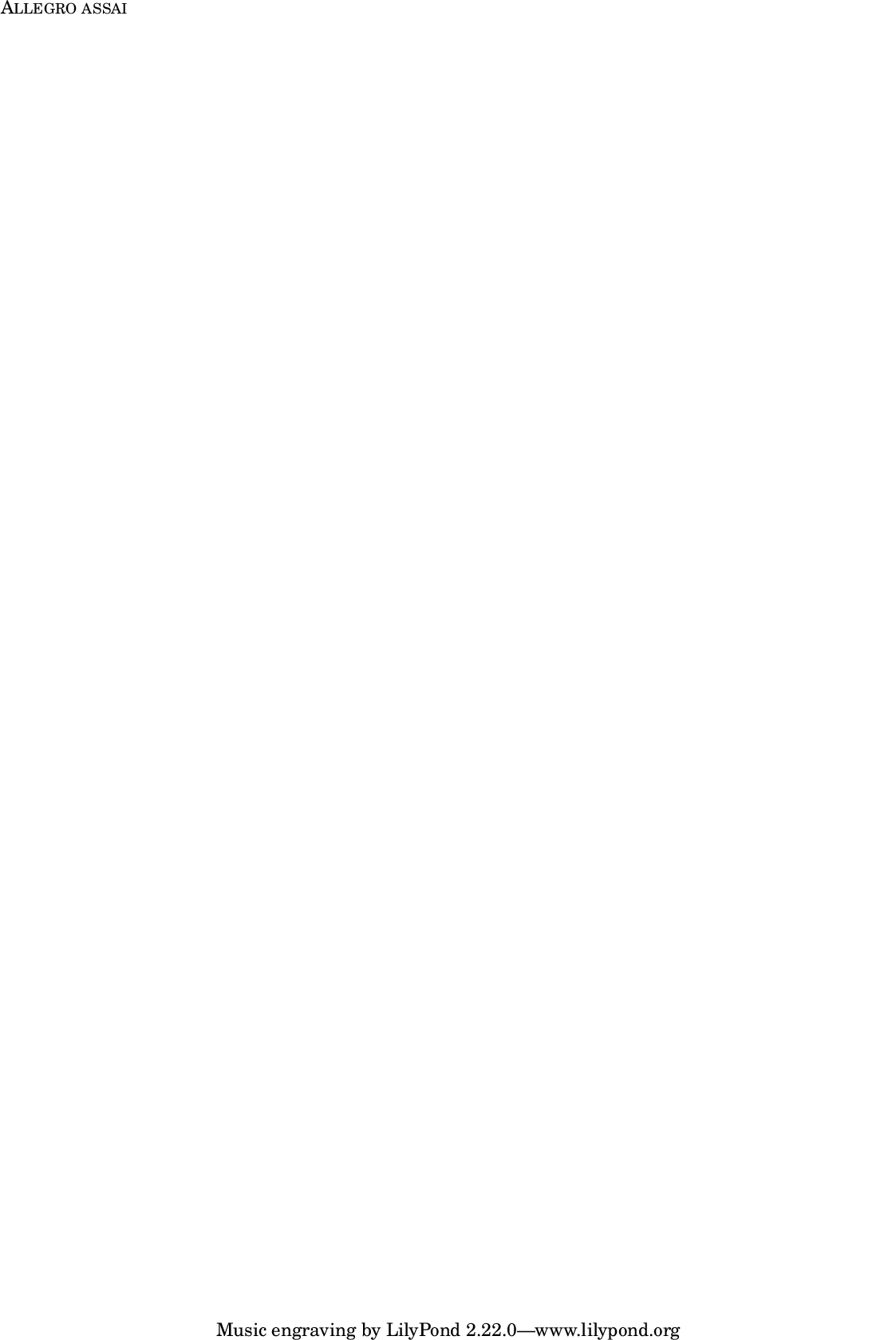
LilyPond \caps markup command.
Returns new markup.
Example
m = caps(FoscMarkup("Allegro assai"));
m.show;
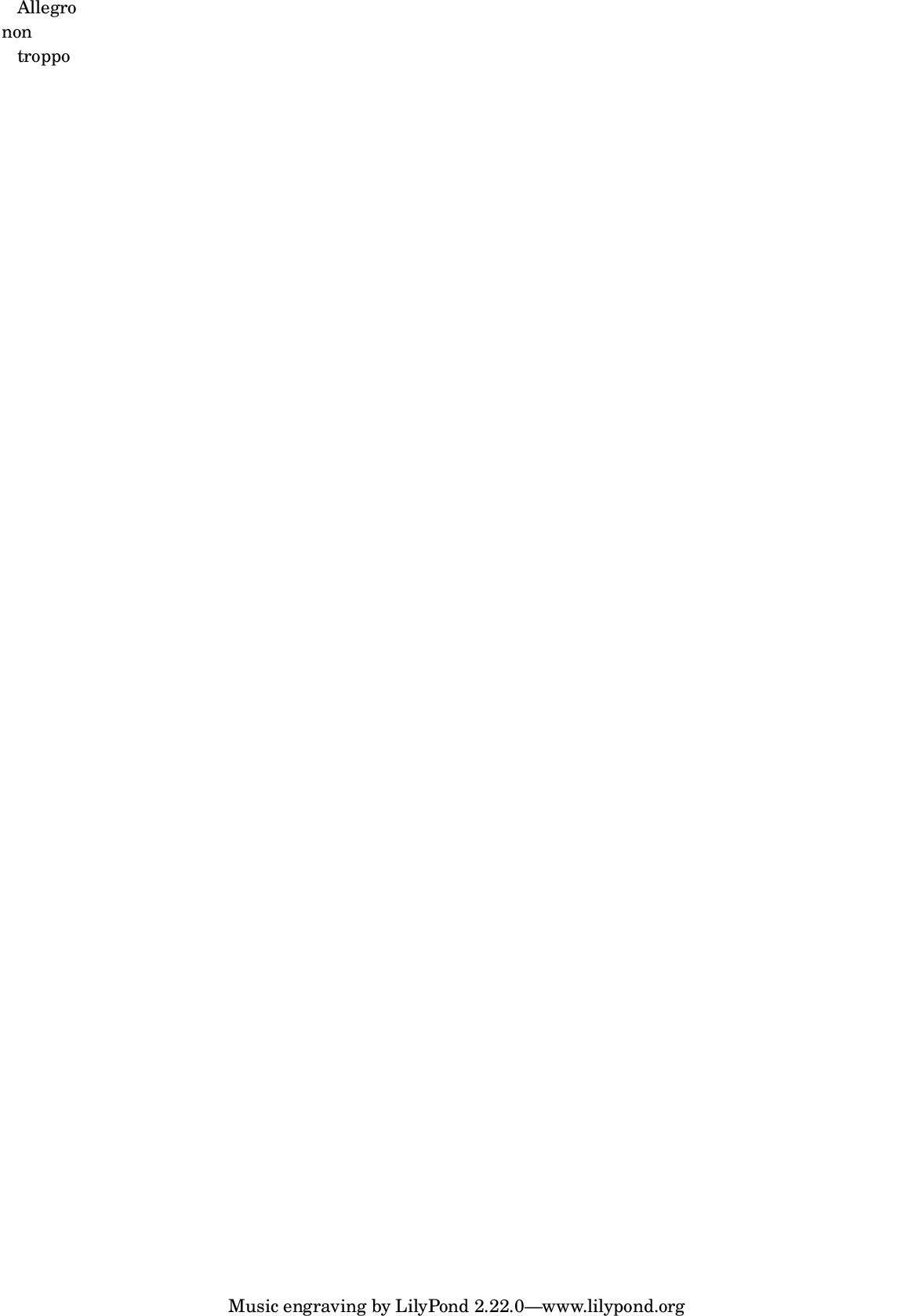
LilyPond \center-align markup command.
Returns new markup
Example
a = FoscMarkup("Allegro");
b = centerAlign(FoscMarkup("non"));
c = FoscMarkup("troppo");
m = FoscMarkup.column([a, b, c]);
m.show;
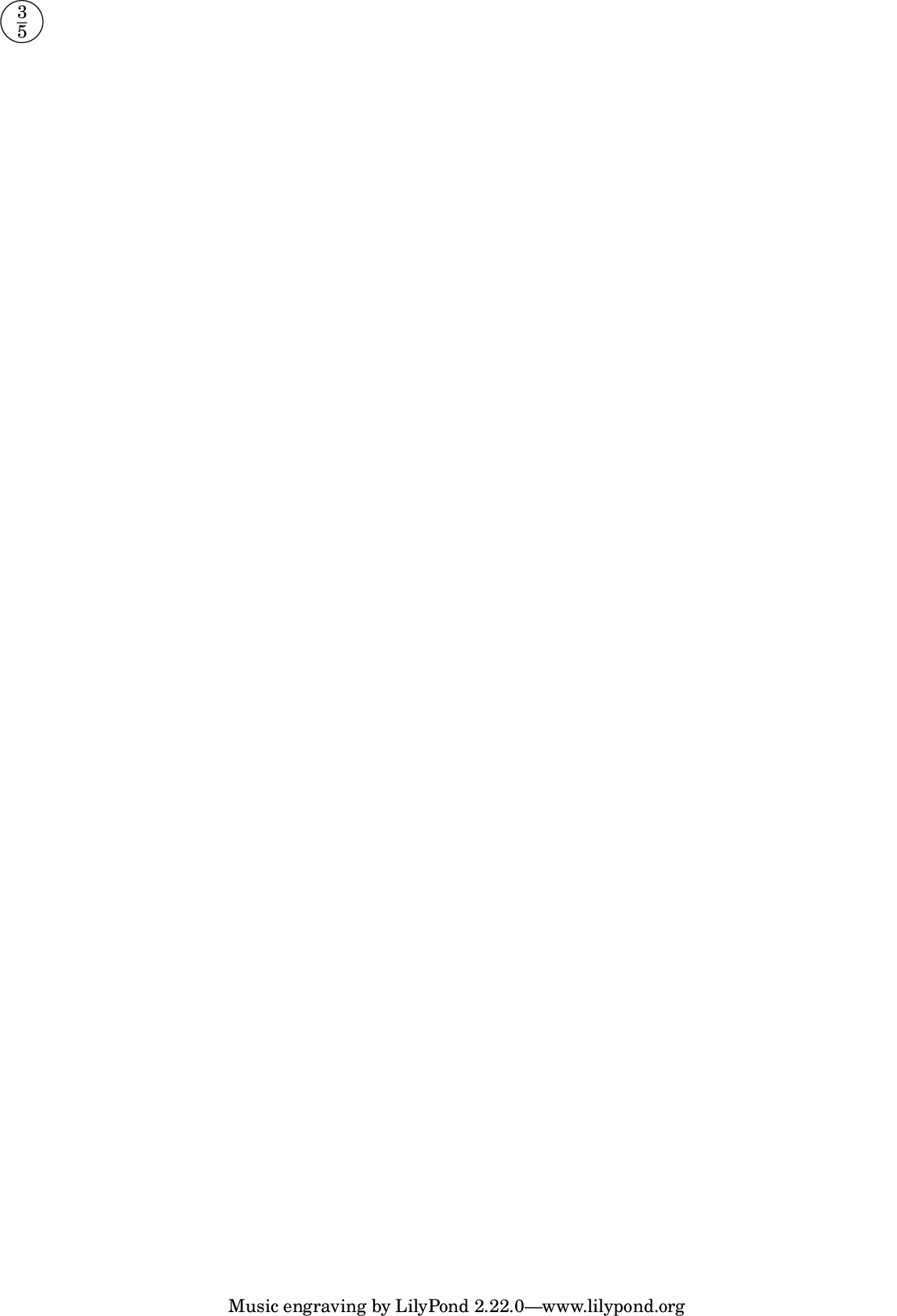
LilyPond \circle markup command.
Returns new markup
Example
m = circle(FoscMarkup.fraction(3, 5));
m = override(m, ['circle-padding', 0.5]);
m.show;
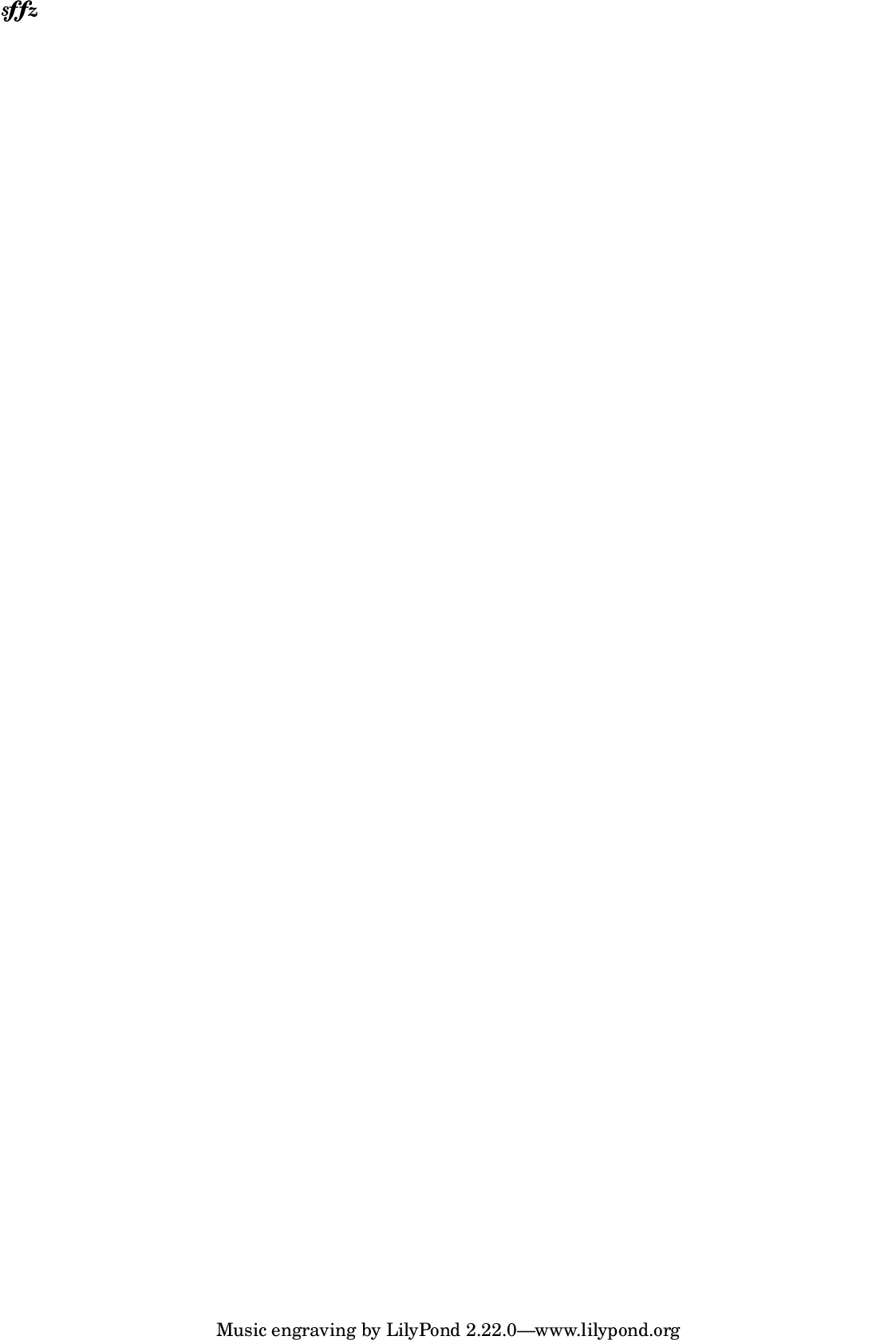
LilyPond \dynamic markup command.
Returns new markup.
Example
m = dynamic(FoscMarkup("sffz"));
m.show;
LilyPond \finger markup command.
Returns new markup
Example
m = finger(FoscMarkup(1));
m.show;

LilyPond \fontsize markup command.
Returns new markup.
Example
m = fontSize(FoscMarkup("Allegro assai"), -3);
m.show;

Example
m = fontSize(FoscMarkup("Allegro assai"), 10);
m.show;
LilyPond \general-align markup command.
Returns new markup.
Example
m = FoscMarkup("Allegro assai");
m = m.generalAlign('Y', 'UP');
m.format;
\markup {
    \general-align
        #Y
        #UP
        "Allegro assai"
}
Example
m = FoscMarkup("Allegro assai");
m = m.generalAlign('Y', 0.75);
m.format;
\markup {
    \general-align
        #Y
        #0.75
        "Allegro assai"
}
LilyPond halign markup command.
Returns new markup.
Example
m = halign(FoscMarkup("Allegro assai"), 0);
m.format;
\markup {
    \halign
        #0
        "Allegro assai"
}
LilyPond \hcenter-in markup command.
Returns new markup.
Example
m = hcenterIn(FoscMarkup("Allegro assai"), 12);
m.format;
\markup {
    \hcenter-in
        #12
        "Allegro assai"
}
LilyPond \huge markup command.
Returns new markup.
Example
m = huge(FoscMarkup("Allegro assai"));
m.show;
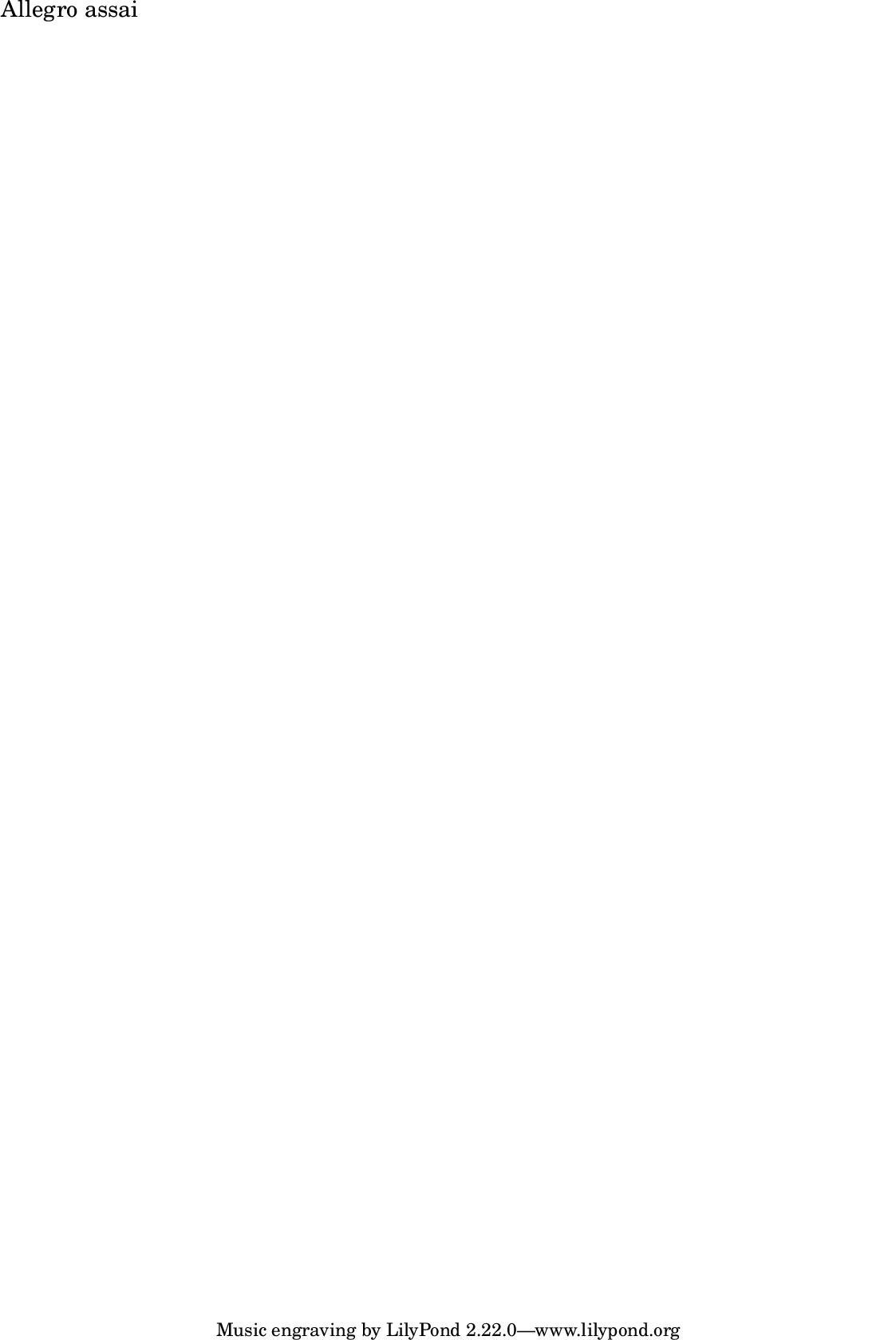
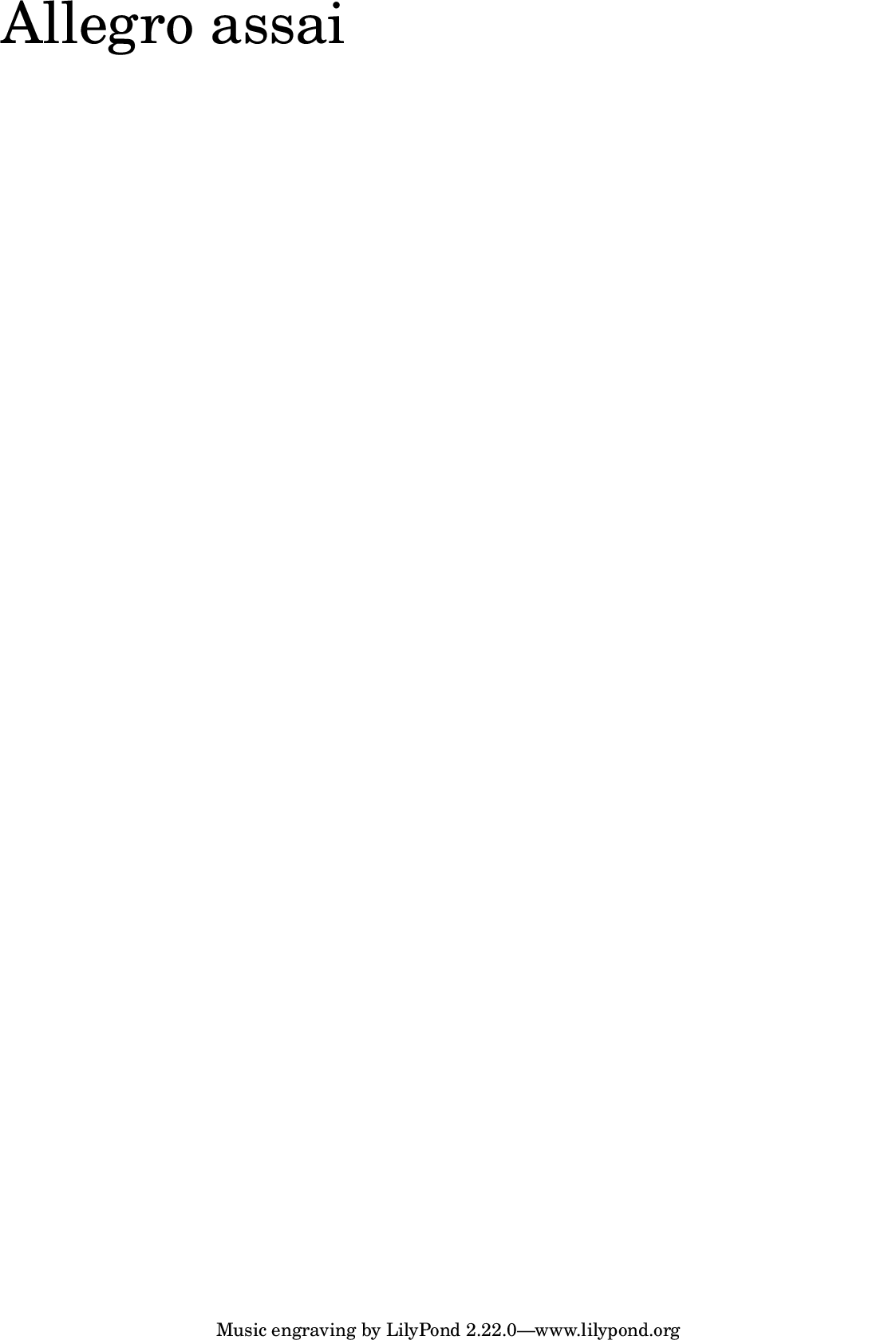
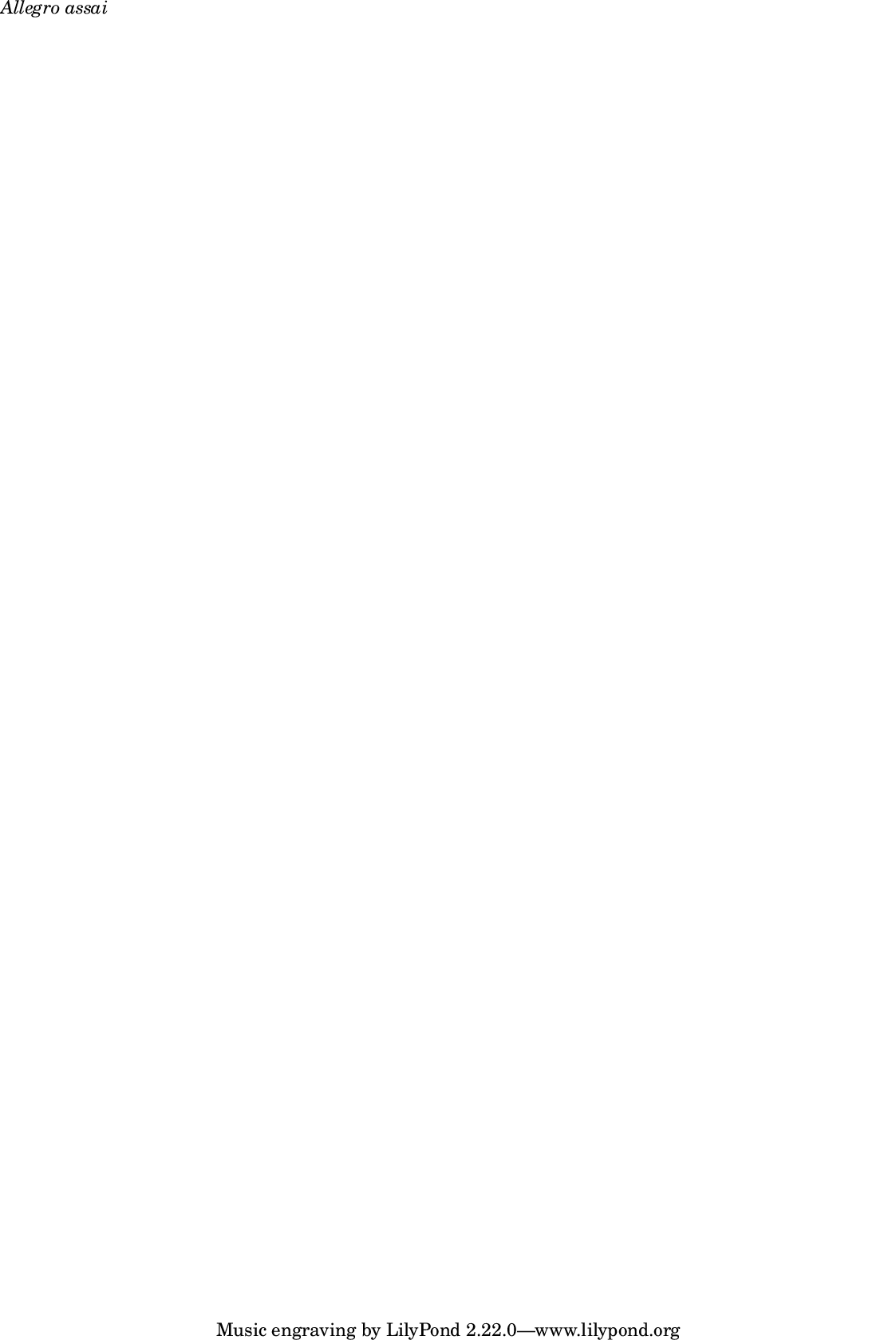
LilyPond \italic markup command.
Returns new markup.
Example
m = italic(FoscMarkup("Allegro assai"));
m.show;
LilyPond \larger markup command.
Returns new markup.
Example
m = larger(FoscMarkup("Allegro assai"));
m.show;
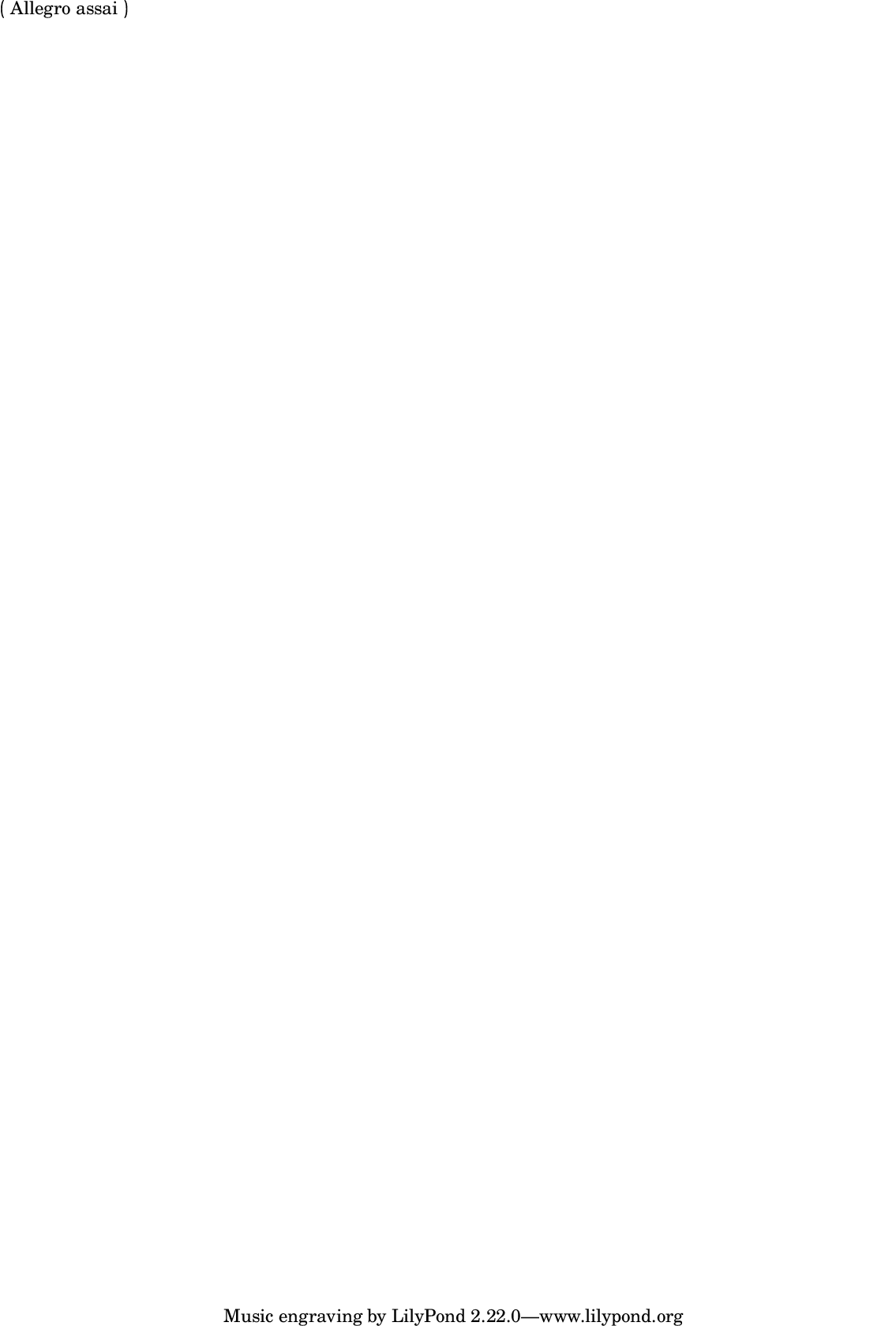
LilyPond \override markup command.
Returns new markup.
Example
m = parenthesize(FoscMarkup("Allegro assai"));
m = override(m, ['padding', 0.75]);
m.show;
LilyPond \pad-around markup command.
Returns new markup.
Example
m = padAround(FoscMarkup("Allegro assai"), 10);
m.format;
\markup {
    \pad-around
        #10
        "Allegro assai"
}
LilyPond \pad-markup markup command.
Returns new markup.
Example
m = padMarkup(FoscMarkup("Allegro assai"), 10);
m.format;
\markup {
    \pad-markup
        #10
        "Allegro assai"
}
LilyPond pad-to-box markup command.
Example
m = padToBox(FoscMarkup("Allegro assai"), #[1,1], #[1,1]);
m.format;
\markup {
    \pad-to-box
        #'(1 . 1)
        #'(1 . 1)
        "Allegro assai"
}
LilyPond \parenthesize markup command.
Returns new markup.
Example
m = parenthesize(FoscMarkup("Allegro assai"));
m.show;

LilyPond \raise markup command.
Returns new markup.
Example
m = raise(FoscMarkup("Allegro assai"), 0.35);
m.format;
\markup {
    \raise
        #0.35
        "Allegro assai"
}
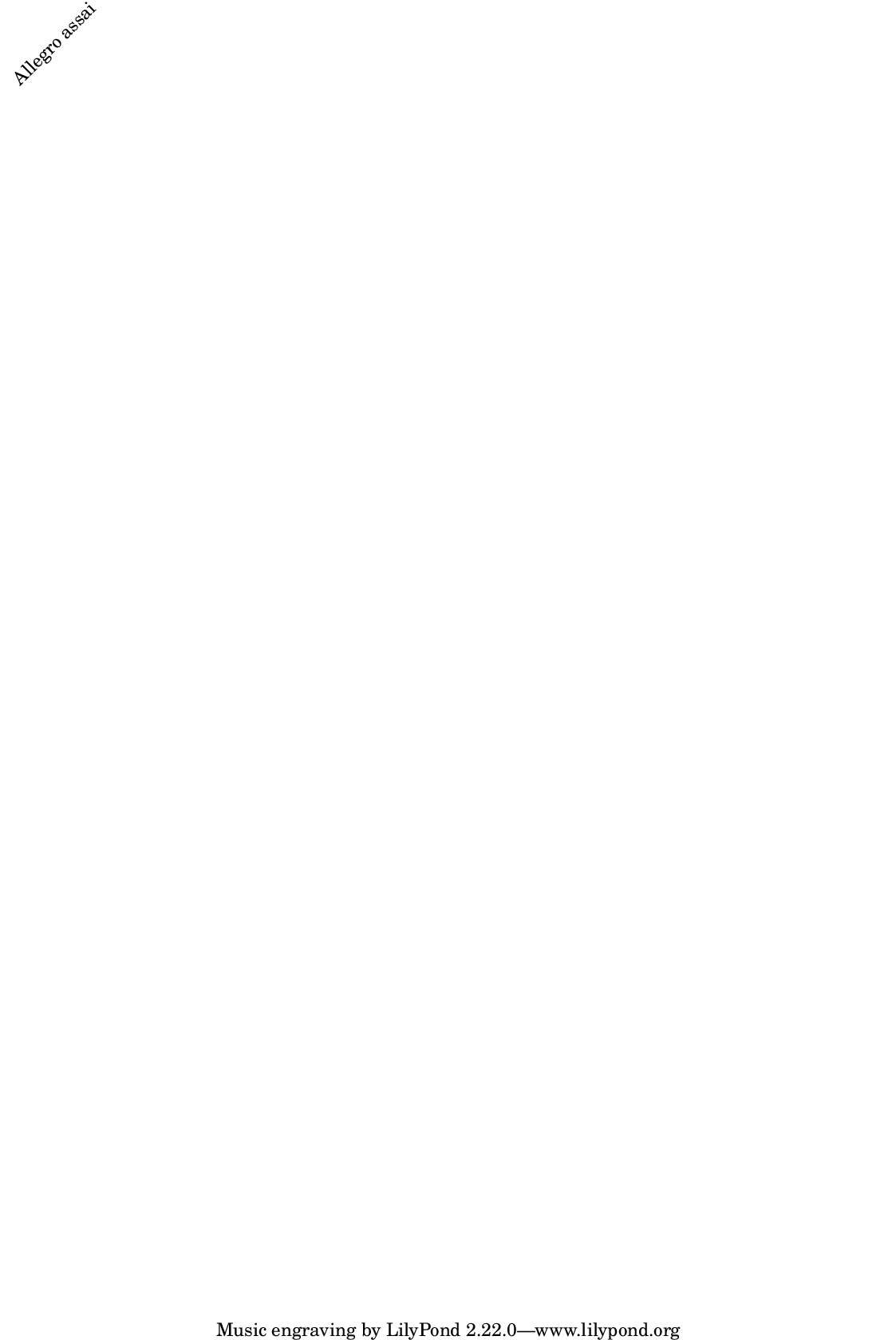
LilyPond \rotate markup command.
Returns new markup.
Example
m = rotate(FoscMarkup("Allegro assai"), 45);
m.show;
LilyPond \sans markup command.
Returns new markup.
Example
m = sans(FoscMarkup("Allegro assai"));
m.show;
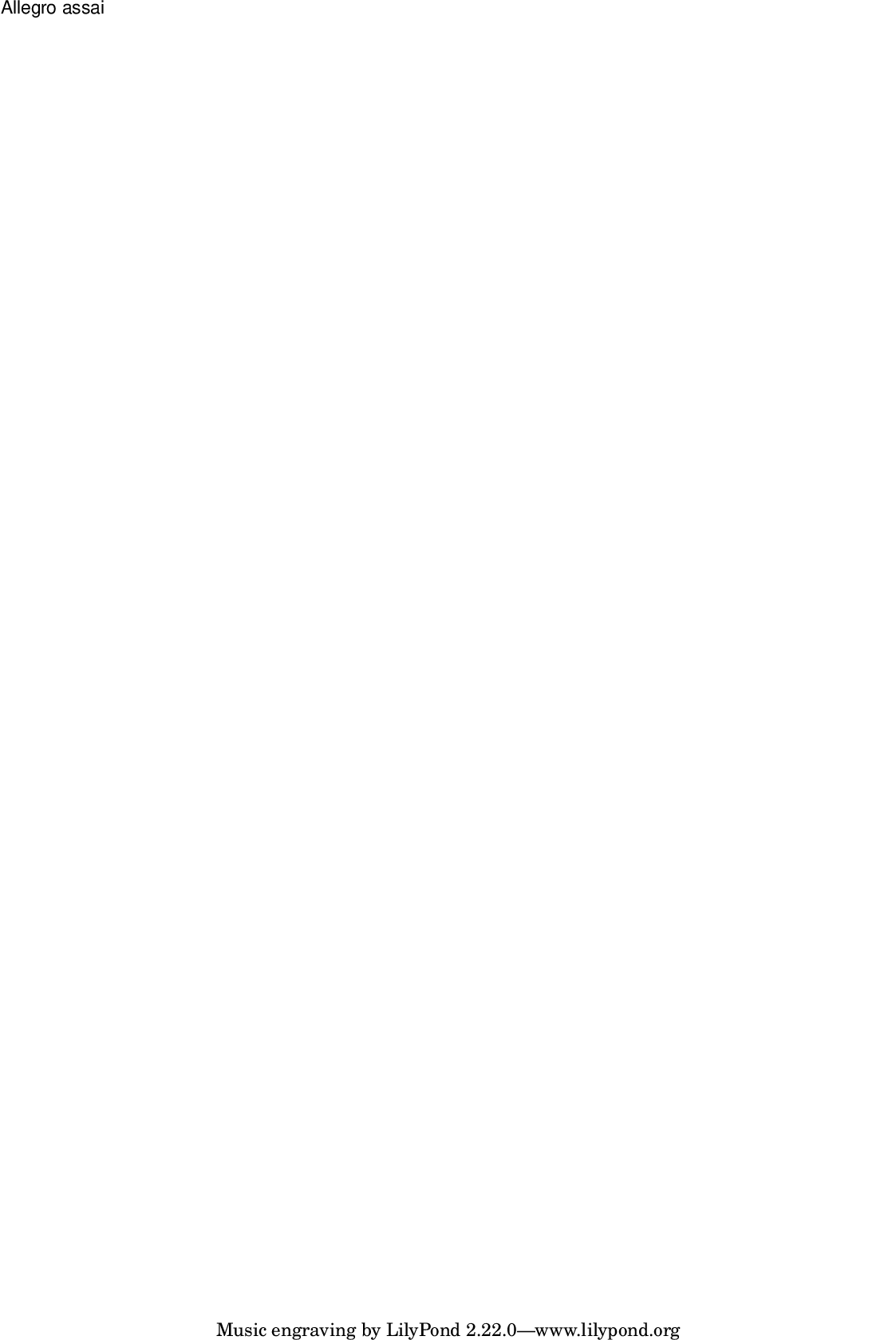
LilyPond \scale markup command.
Returns new markup.
Example
m = FoscMarkup("Allegro assai");
m = m.scale(#[0.75, 1.5]);
m.show;
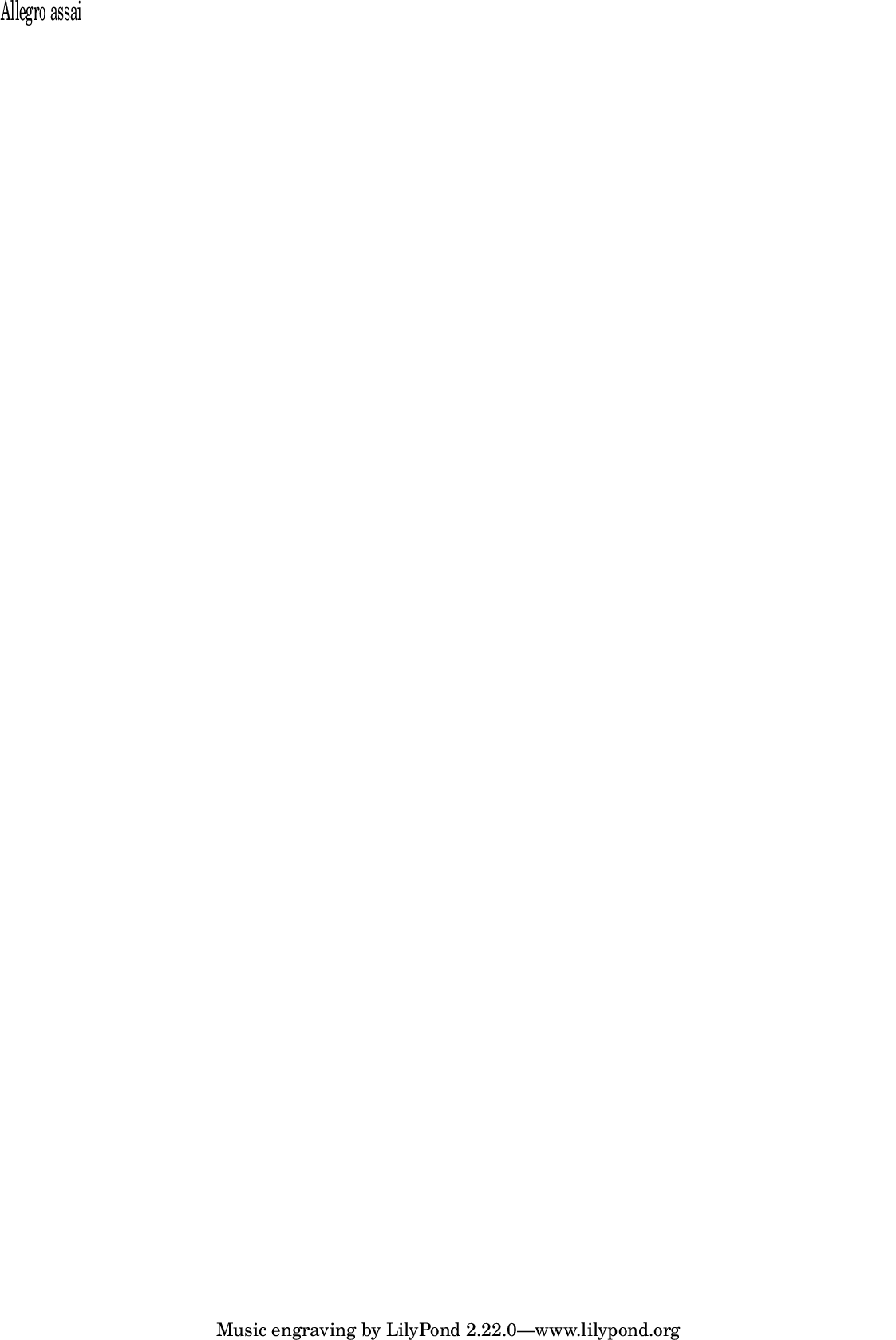
LilyPond \small markup command.
Returns new markup.
Example
m = small(FoscMarkup("Allegro assai"));
m.show;
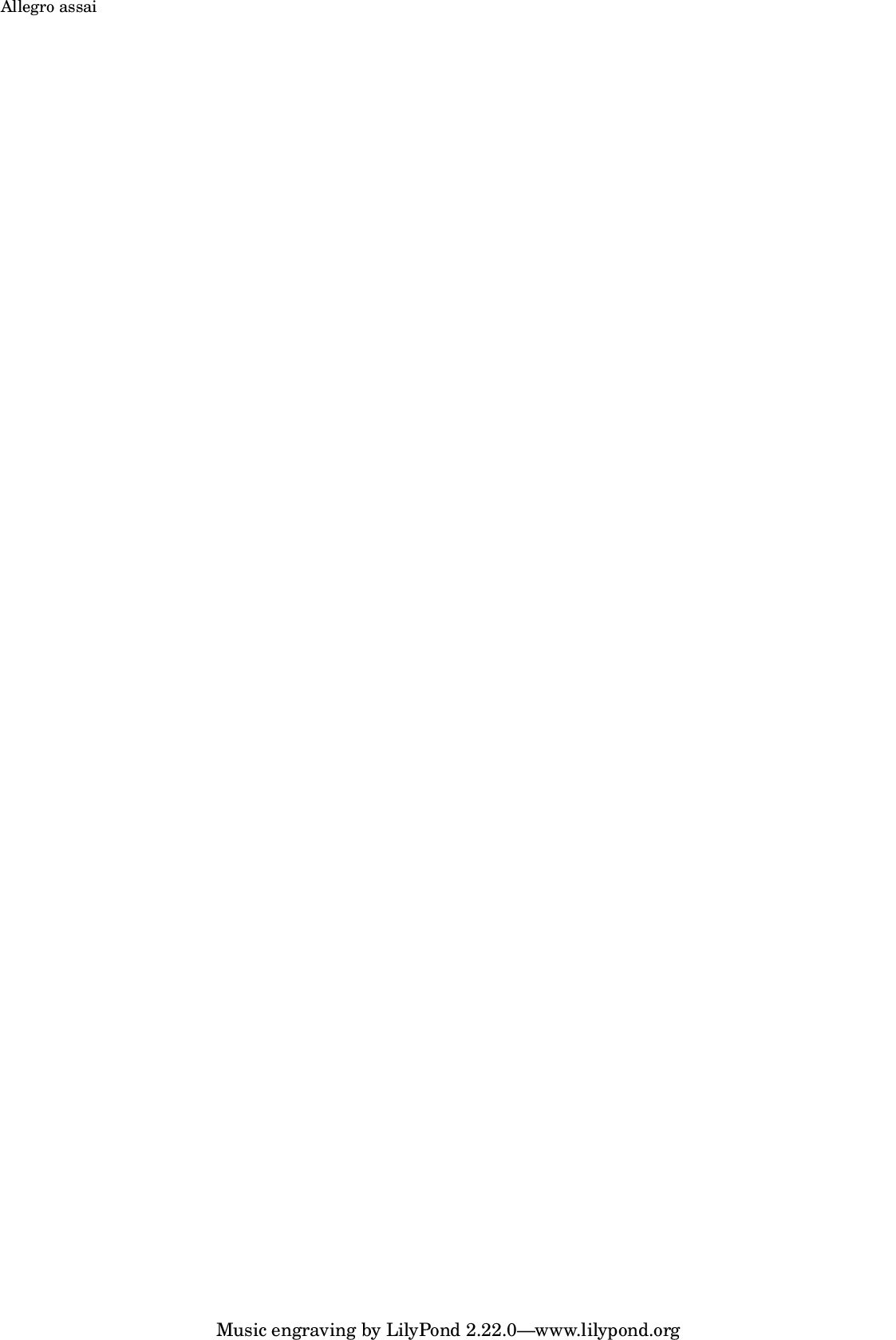
LilyPond \smaller markup command.
Returns new markup.
Example
m = smaller(FoscMarkup("Allegro assai"));
m.show;
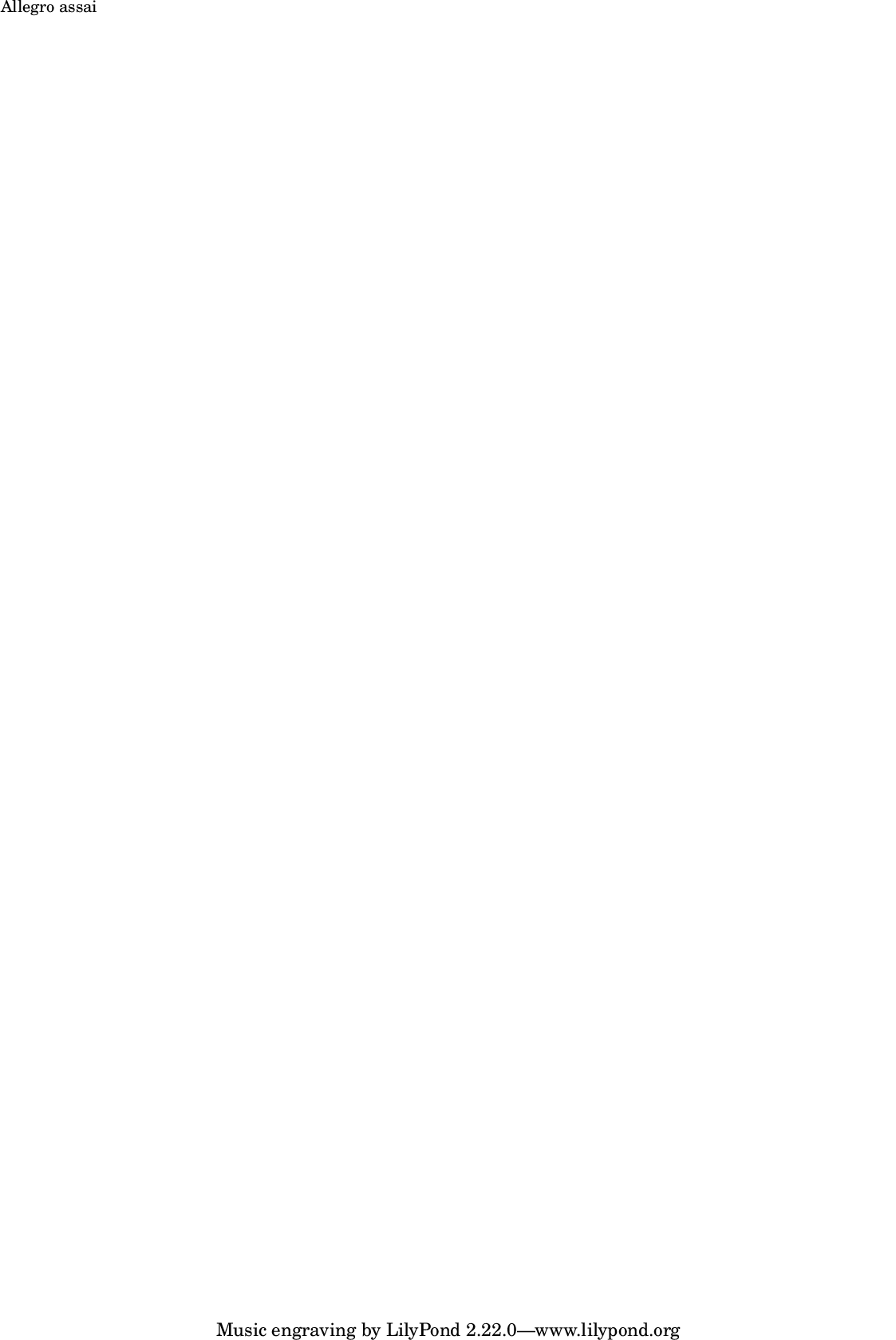
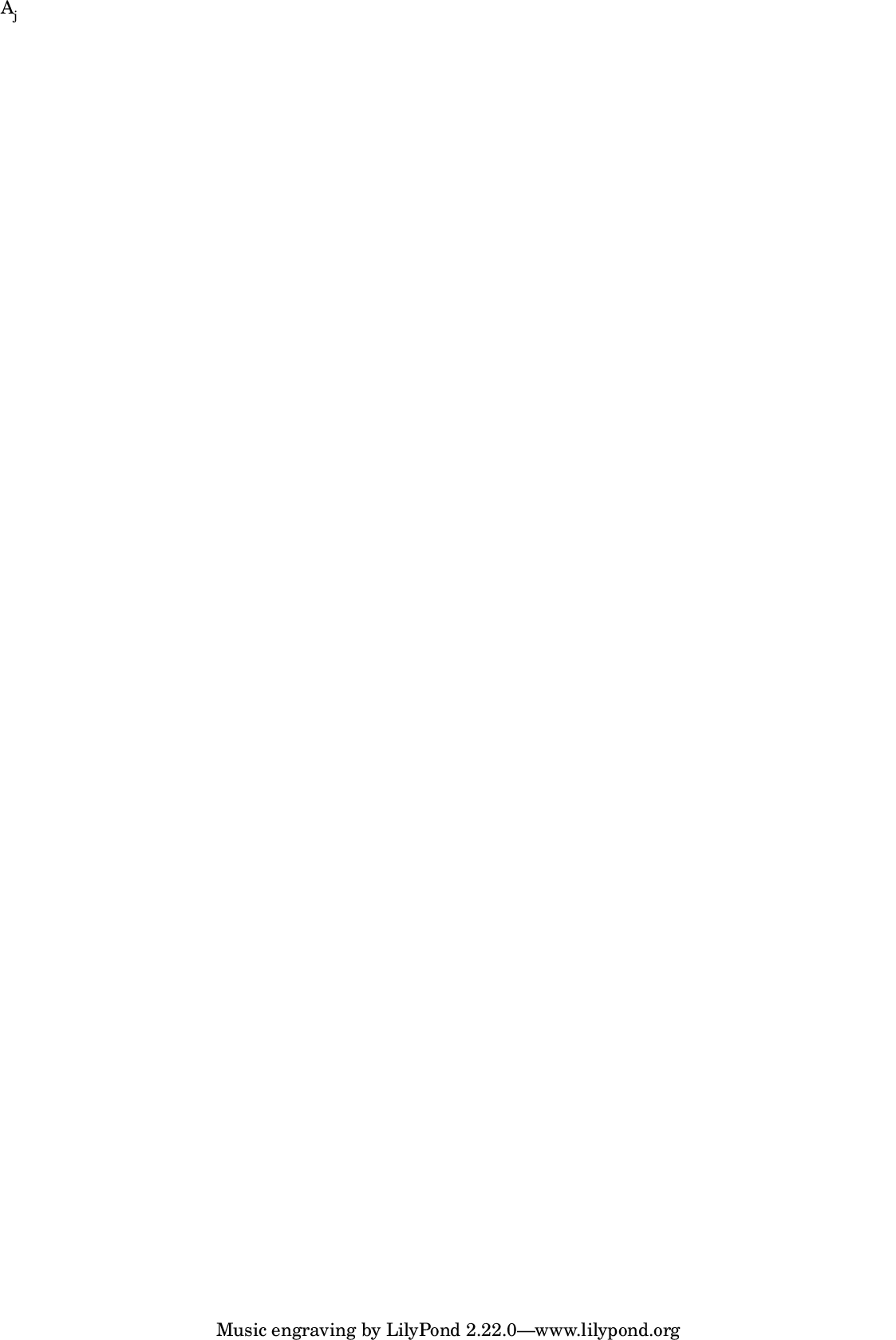
LilyPond \sub markup command.
Returns new markup.
Example
a = [FoscMarkup("A"), sub(FoscMarkup("j"))];
m = FoscMarkup.concat(a);
m.show;
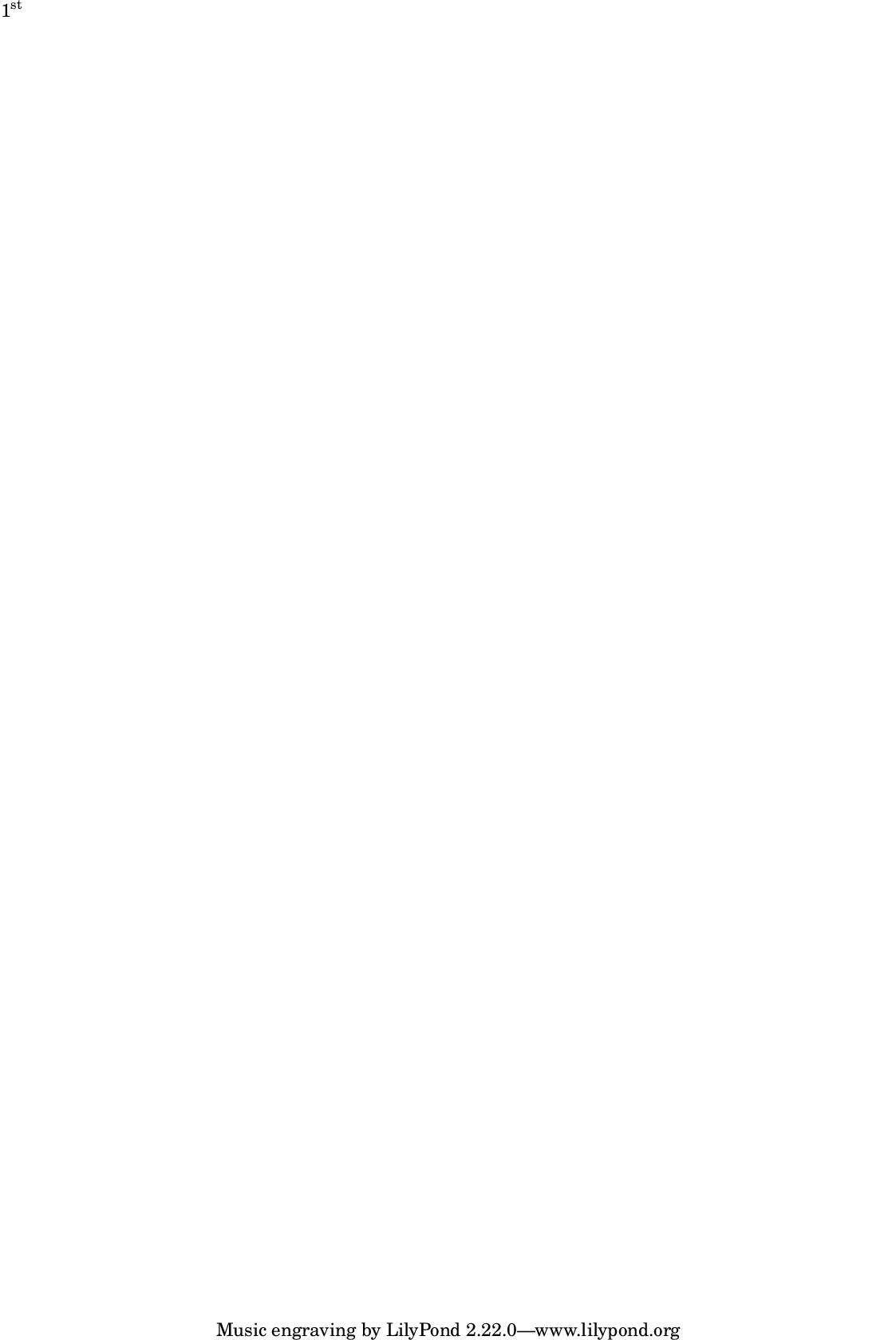
LilyPond \super markup command.
Returns new markup.
Example
a = [FoscMarkup("1"), super(FoscMarkup("st"))];
m = FoscMarkup.concat(a);
m.show;
LilyPond \tiny markup command.
Returns new markup.
Example
m = tiny(FoscMarkup("Allegro assai"));
m.show;
LilyPond translate markup command.
Returns new markup.
Example
m = FoscMarkup("Allegro assai");
m = m.translate(#[2, 2]);
m.show;
LilyPond \upright markup command.
Returns new markup.
Example
m = upright(FoscMarkup("Allegro assai"));
m.show;
LilyPond \vcenter markup command.
Returns new markup.
Example
m = vcenter(FoscMarkup("Allegro assai"));
m.format;
\markup {
    \vcenter
        "Allegro assai"
}
LilyPond \whiteout markup command.
Returns new markup.
Example
m = whiteout(FoscMarkup("Allegro assai"));
m.format;
\markup {
    \whiteout
        "Allegro assai"
}
LilyPond \with-color markup command.
Returns new markup.
Example
m = withColor(FoscMarkup("Allegro assai"), 'blue');
m.show;
Example
m = FoscMarkup("Allegro assai");
m = m.withDimensions(#[0, 20], #[0, -20]);
m.format;
\markup {
    \with-dimensions
        #'(0 . 20)
        #'(0 . -20)
        "Allegro assai"
}